
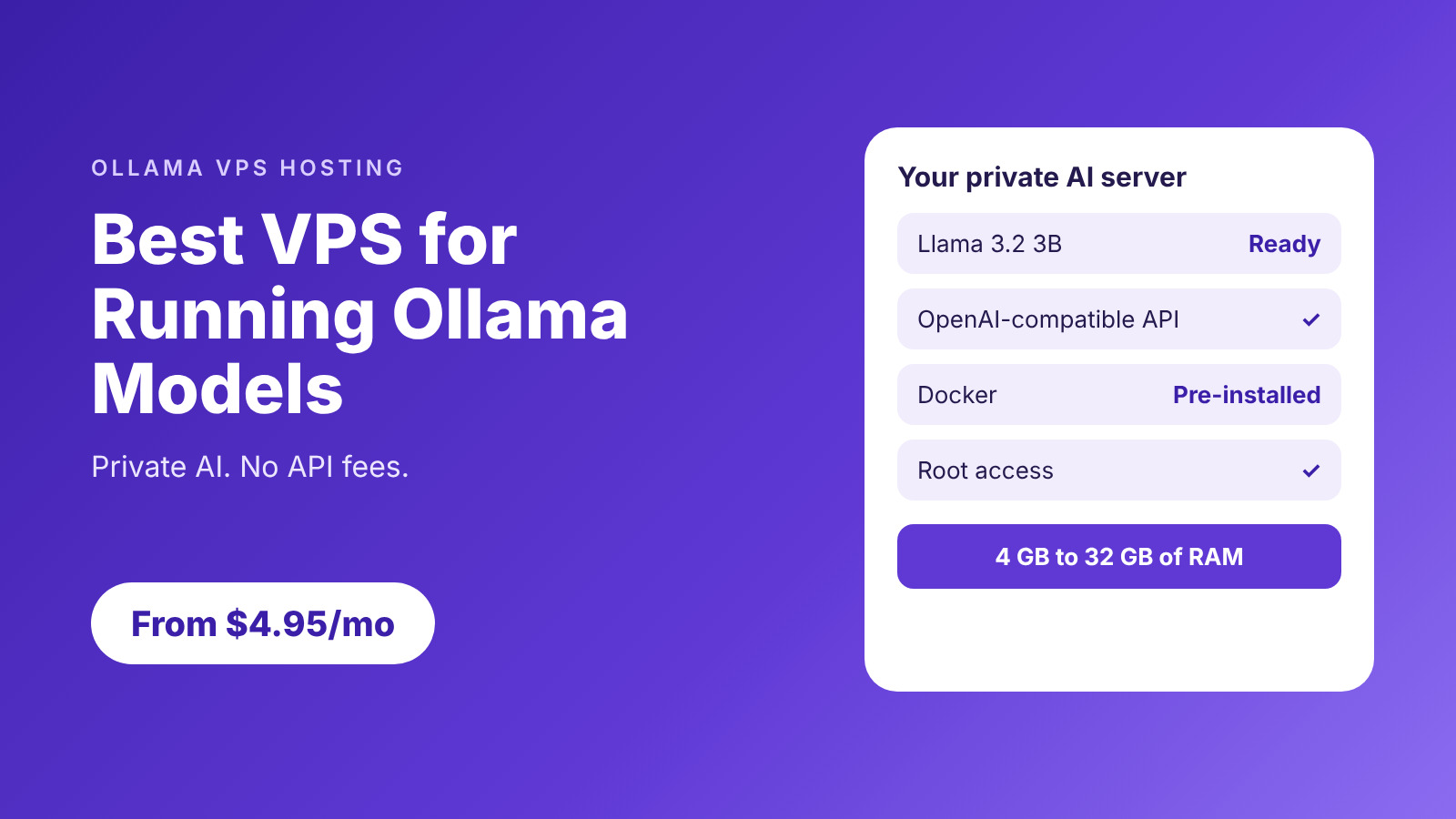
The best VPS for running Ollama models gives you enough memory for your model, fast storage for your model library and a private API that only you control. AccuWeb Hosting Ollama VPS starts at $4.95 per month on a 24-month term, with 4 GB of RAM, 50 GB of NVMe storage, full root access and Docker pre-installed, so you can be serving your first model in minutes. Ollama is free and open source under the MIT license, so there are no API fees and no usage limits. Everything stays on your own server: the model weights, the requests and the responses. This guide shows how to choose the right VPS size, how the pricing compares with other 8 GB servers, and how to run Ollama in Docker with a private, OpenAI-compatible API.
Key takeaways
- Plans from $4.95 per month. Edge, Peak, Power and Supreme run from 4 GB to 32 GB of RAM on a 24-month term.
- No API fees. Ollama is free under the MIT license, and your data stays on your own server.
- 100+ models. Run Llama, Phi, Mistral, Gemma, DeepSeek and more with one command.
- Drop-in API. The OpenAI-compatible endpoint lets many existing clients switch with a new base URL.
- Lower cost at 8 GB. VPS Peak is $6.95 per month, below the other 8 GB plans compared here.
Run Your Own AI Models
Launch an Ollama VPS with root access and Docker pre-installed from $4.95 per month.What the Best VPS for Running Ollama Models Needs
Start with memory, then look at CPU capacity, storage and network access. Ollama loads model data into memory to generate answers, and the operating system and your application need room alongside it. Ollama lists the Llama 3.2 3B download at 2.0 GB, which makes it a comfortable first model on a 4 GB server. Larger models and longer prompts use more memory, so it helps to have a path to a bigger plan when your needs grow.
Match Memory to the Workload
-
- 4 GB (Edge): a first small model for development, summaries and occasional internal requests.
-
- 8 GB (Peak): more room for a larger model, longer prompts and a client application on the same server.
-
- 16 GB (Power): several models, or a bigger one, with extra vCPUs for busier traffic.
-
- 32 GB (Supreme): a larger model library and several applications running side by side.
Add vCPUs when you serve more requests at once, and add memory when you want to load larger models. You can start small, measure response time with your own prompts, and move up when your workload grows.
Plan Storage for Your Model Library
Every model you download is stored on the server, so NVMe storage keeps model loading fast and gives your library room to grow. At about 2 GB per small model, one file uses 2 GB, three use 6 GB and five use 10 GB. Even Edge’s 50 GB leaves space for the operating system, container images, logs and a library of models.
Why Ollama on a VPS?
-
- Always on: your models respond around the clock, even when your own computer is off.
-
- Private: prompts, model weights and responses stay on your server.
-
- Scalable: upgrade CPU, RAM and storage as inference demand grows.
-
- Container friendly: deploy the official Ollama image with Docker and keep models in a persistent volume.
For a broader view of container hosting, see our Docker VPS hosting overview.
Ollama VPS Plans and Pricing
Every plan includes NVMe storage, full root access and Docker pre-installed. Choose the memory tier that fits the models you plan to run.
| Plan | Best for | RAM | vCPU | Storage | Bandwidth | Price per month |
|---|---|---|---|---|---|---|
| VPS Edge | A first small model | 4 GB | 1 | 50 GB NVMe | 250 GB | $4.95 |
| VPS Peak | Larger models and apps | 8 GB | 2 | 100 GB NVMe | 450 GB | $6.95 |
| VPS Power | Several models and busier traffic | 16 GB | 3 | 200 GB NVMe | 650 GB | $9.95 |
| VPS Supreme | A large model library | 32 GB | 4 | 400 GB NVMe | 1,000 GB | $19.95 |
Prices in USD per month on a 24-month term. All plans include full root access and NVMe storage.
Over a 24-month term, Edge totals $118.80, Peak totals $166.80, Power totals $238.80 and Supreme totals $478.80. You can upgrade to a larger plan whenever your models outgrow your server.
Pick a Starting Point
-
- Choose Edge to try Ollama with a small model for $4.95 per month.
-
- Choose Peak for more memory for the model, the operating system and your client application.
-
- Choose Power or Supreme for several models, more concurrent requests and a bigger library.
A 4 GB server is a practical starting point for smaller models, and each step up gives you more room. We offer VPS hosting in the US, UK, Germany, India and Singapore, so you can place your server close to your users.
Find Room for Your Models
Choose from 4 GB to 32 GB of RAM, all with NVMe storage and root access.Ollama VPS Price Comparison: AccuWeb vs Hostinger, DigitalOcean and Akamai
RAM is the clearest way to line up plans for Ollama, because it decides which models you can load. The table below compares VPS Peak with 8 GB plans from three other providers.
| Provider and plan | RAM | vCPU | Storage | Monthly price | 24-month cost |
|---|---|---|---|---|---|
| AccuWeb Hosting VPS Peak | 8 GB | 2 | 100 GB NVMe | $6.95 | $166.80 |
| Hostinger KVM 2 | 8 GB | 2 | 100 GB NVMe | $8.99 | $215.76 |
| DigitalOcean Basic Droplet | 8 GB | 4 | 160 GB SSD | $48.00 | $1,152.00 |
| Akamai (Linode) Shared CPU | 8 GB | 4 | 160 GB | $48.00 | $1,152.00 |
Prices in USD, compared at the same RAM size. AccuWeb Hosting and Hostinger are on a 24-month term; DigitalOcean and Akamai are shown at their monthly list prices. Provider prices checked in November 2026 and may change. VPS Peak costs $6.95 per month. That is 23% less than Hostinger’s KVM 2, which lists the same 2 vCPUs, 8 GB of RAM and 100 GB of NVMe storage, and 86% less than the 8 GB plans from DigitalOcean and Akamai. Over 24 months, Peak totals $166.80, which saves $48.96 against Hostinger and $985.20 against DigitalOcean or Akamai.
Price per GB of RAM
-
- AccuWeb VPS Peak: about $0.87 per GB of RAM each month.
-
- Hostinger KVM 2: about $1.12 per GB each month.
-
- DigitalOcean and Akamai: $6.00 per GB each month.
That difference leaves more of your budget for the work that matters, such as testing more models, serving more users or adding the next application to your stack.
Get 8 GB of RAM for Less
VPS Peak gives you 8 GB of RAM, 2 vCPUs and 100 GB of NVMe storage for $6.95 per month.What You Can Build With a Private Ollama Server
Ollama supports more than 100 open-source models, so one server can power many projects. Here are some of the most popular uses.
-
- Private AI assistants: build an internal chatbot for HR, IT or customer support without sending conversations to an outside API.
-
- Code tools: add code completion, unit test generation and pull request review to your editor and build pipeline.
-
- Document analysis: summarize reports, contracts and meeting transcripts on your own server.
-
- Content creation: draft marketing copy and social posts with no per-token fees.
-
- Research: test prompting strategies and compare models without rate limits.
-
- Workflow automation: trigger models from webhooks and schedules with n8n VPS hosting, and automate email drafts, ticket sorting and data extraction.
If you want a wider starting point for self-hosted models, our LLM VPS hosting overview covers the options.
Customize Models to Fit Your Work
A Modelfile lets you change a model’s system prompt, temperature and context length, and you can import GGUF model files from Hugging Face. That gives you a tailored assistant for your team without training a model from scratch.
Run Ollama in Docker on Your VPS
This example runs Ollama in Docker with a persistent volume, downloads Llama 3.2 3B and sends a test request. Run the commands in a shell on your VPS.
Step 1: Start the Container
This command starts Ollama, keeps the API on the server’s local address and saves models in a Docker volume.
docker run -d --name ollama \
  -p 127.0.0.1:11434:11434 \
  -v ollama:/root/.ollama \
  ollama/ollama
Step 2: Download a Model
Run this command after the container starts to download Llama 3.2 3B.
docker exec ollama ollama pull llama3.2:3bStep 3: Send a Test Request
The OpenAI-compatible chat endpoint returns a JSON response, a text format applications use to exchange data.
curl -fsS http://127.0.0.1:11434/v1/chat/completions \
  -H "Content-Type: application/json" \
  -d '{"model":"llama3.2:3b","messages":[{"role":"user","content":"Say hello."}],"stream":false}'
If the request needs a check, run docker logs ollama to see the container output and confirm the model download finished.
Keep Your Models Safe in a Volume
The named volume stores model files outside the container. You can recreate the container with the same volume and your models stay in place. Record the model tag your application uses, and test updates with your usual prompts before you change production traffic.
Build Your Private Runtime
Deploy Ollama with root access and Docker pre-installed, starting at $4.95 per month.Connect an OpenAI-Compatible Client Privately
When your client runs on the VPS, point it to http://127.0.0.1:11434/v1/ and use llama3.2:3b as the model name. Ollama supports a subset of the OpenAI API, so many clients work after a simple base URL change. Test the features your application uses to confirm they behave as you expect.
Reach the Server From Your Laptop
An SSH tunnel forwards a local port through an authenticated connection, so you can use your model from your own computer without opening the Ollama port to the internet. A private network works the same way.
-
- SSH tunnel: reach the local-only API securely from your laptop.
-
- Reverse proxy: put your own domain and HTTPS in front of Ollama, with authentication set at the proxy.
-
- Firewall: allow only the addresses and ports you need.
Ollama ignores the API-key value in its compatibility examples, so add authentication at your proxy or tunnel when clients connect remotely. With full root access, you can set up each layer the way your team prefers.
Test Before Adding Traffic
Send a short prompt first, then repeat with the longest prompts your application expects. Watch memory and response time as you add concurrent requests. If you want faster replies or a larger model, upgrading to Peak, Power or Supreme is a quick way to add memory and vCPUs. Our VPS hosting plans cover the full range.
Give Your Client a Home
Choose a server for your private AI endpoint and connect your first client today.Back Up and Recover Your Model Server
A Docker volume keeps model files when you recreate a container, and a backup adds another layer of protection. Keep copies of your application configuration, the prompts you want to keep and any custom model files. Backups are available for your VPS, and you can read the details in our VPS backup options. A model download can always be repeated, so your priority is protecting your settings and private data. Practice restoring your configuration and reconnecting the client so you are ready if you ever need it. If you would like help with your setup, our team is available through our support options.
Conclusion
The best VPS for running Ollama models is one that fits your workload, keeps your data private and costs less than a hosted API. AccuWeb Hosting’s Ollama VPS plans bring those together, starting at $4.95 per month.
-
- Pricing: $4.95, $6.95, $9.95 and $19.95 per month on a 24-month term.
-
- Resources: 4 GB to 32 GB of RAM with NVMe storage on every plan.
-
- Control: full root access, Docker pre-installed and a private API.
-
- Savings: VPS Peak is $6.95 per month, compared with $8.99 to $48 for 8 GB elsewhere.
Pick the plan that fits your first model, deploy Ollama in minutes and start building with AI on infrastructure you control.
Choose Your Ollama Starting Point
Compare the four plans and launch your private AI server today.Frequently Asked Questions
How much does an Ollama VPS cost?
Plans start at $4.95 per month for VPS Edge on a 24-month term. Peak is $6.95, Power is $9.95 and Supreme is $19.95 per month.
Can Ollama run on a VPS without a GPU?
Yes. Ollama supports CPU-only Docker deployment, and small models run well on a CPU server. Start with a small model and measure response time with your own prompts.
Is 4 GB of RAM enough for Llama 3.2 3B?
Yes, it is a good starting point. The model’s download is 2.0 GB, and VPS Edge’s 4 GB gives you room for the operating system and a small application. You can upgrade to Peak for more headroom.
Can I host Llama models on a VPS with Docker?
Yes. Run the Ollama image in a container, download a model and keep its files in a persistent volume. Docker comes pre-installed on AccuWeb Hosting Ollama VPS plans.
Can I use Ollama with OpenAI-compatible clients?
Yes. Ollama supports a subset of the OpenAI API, so many clients work with a changed base URL. Test the features your application uses.
Is Ollama’s API private by default?
Binding the service to the server’s local address keeps it off the public internet. For remote access, use an SSH tunnel, a private network or a reverse proxy with authentication.
Does AccuWeb Hosting cost less than Hostinger, DigitalOcean or Akamai?
Yes. At 8 GB of RAM, VPS Peak costs $6.95 per month, compared with $8.99 for Hostinger’s KVM 2 and $48 for DigitalOcean and Akamai, based on the prices checked in November 2026.
What should I check before switching an Ollama server?
Check your model tags, persistent volumes, client base URLs and network access, and keep a copy of your configuration. Then test the same prompts on the new server.

