Self Hosted Dropbox Alternative for Business With Nextcloud
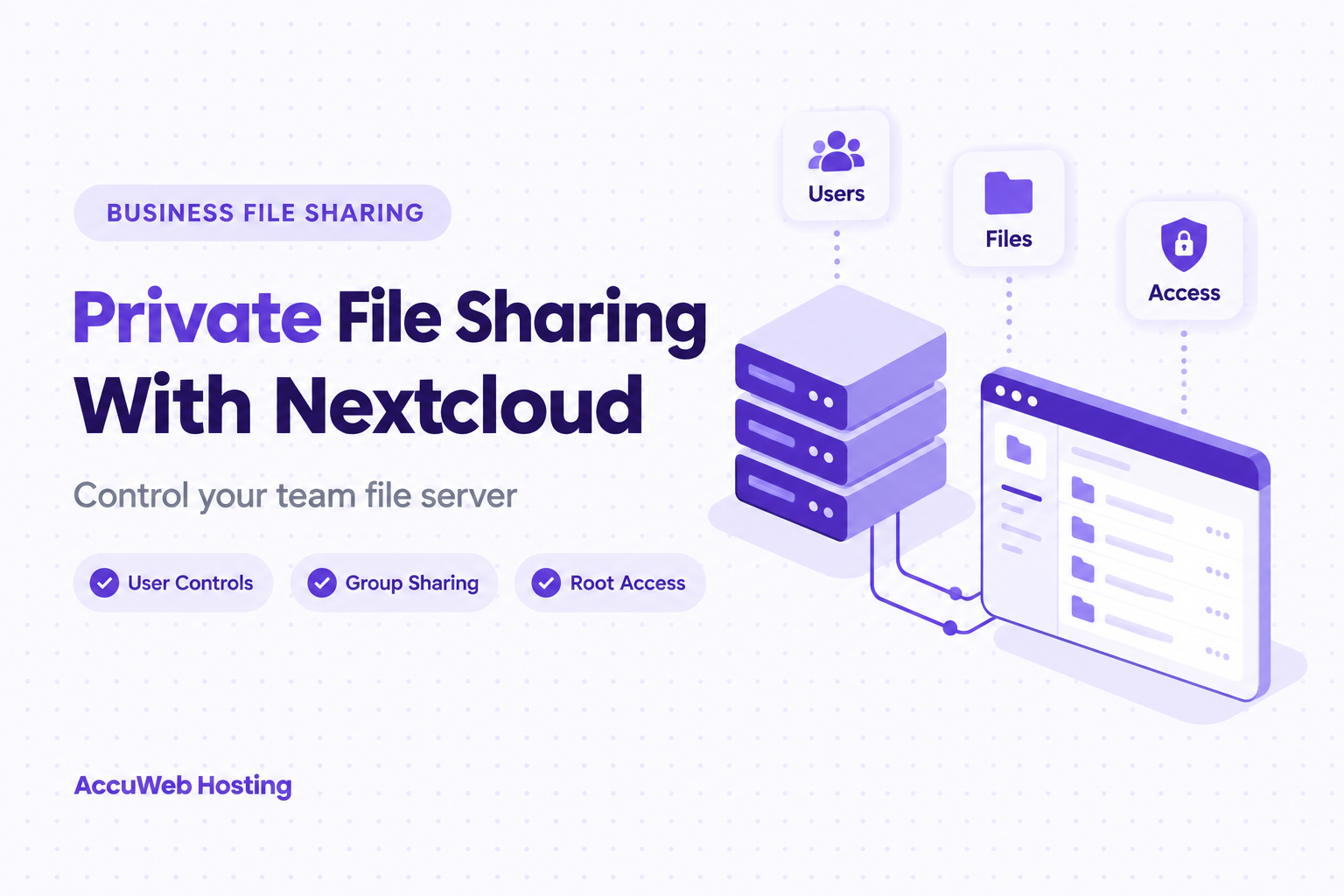
A self hosted Dropbox alternative for business gives your team a file server with controls over accounts and sharing. With Nextcloud Hosting from AccuWeb Hosting, plans start at $4.95 per month at first billing on every billing cycle. AccuWeb Hosting installs Nextcloud and configures the server, while you manage users and privileges.
The choice involves more than replacing a sync app. You also need a plan for access, storage, backups, and the transition from your existing files.
Key Takeaways
- Nextcloud Hosting starts at $4.95 per month at first billing on every billing cycle, with no per-user fees.
- AccuWeb Hosting installs Nextcloud and configures the server; customers control accounts and privileges.
- Dropbox Standard costs $15 per user per month billed yearly, so its price grows with every person you add.
- Nextcloud supports user and group sharing, public links, and administrative sharing policies.
- Choose server resources for your workload, then plan backups and test restores.
Explore Your Private File Server
See how Nextcloud Hosting puts user administration under your control.
What You Control With a Self Hosted Dropbox Alternative for Business
Nextcloud runs on a server that your organization administers. Staff connect to the service to access and share files, while an administrator manages accounts and sharing rules.
That changes the operating model. Rather than treating file sharing only as a subscription for individual seats, you choose server resources and decide how the service fits your team. Server ownership also brings responsibility for access decisions and recovery planning.
AccuWeb Hosting installs Nextcloud, configures the server, and keeps the server environment updated. Your administrators control users, accounts, and privileges. The service also includes root access, so an authorized administrator can work at the server level.
Consider a small business that shares project documents with employees and outside partners. Its administrator can organize internal access around groups and set a separate process for public links. The business should decide who can approve access and when that access ends.
This approach suits organizations that want a company file sync server they control. It also suits teams prepared to assign an owner for administration instead of assuming the software manages every policy automatically.
How Nextcloud Hosting Compares With Dropbox, Google Workspace, and OneDrive
Dropbox, Google Workspace, and OneDrive charge per user, while Nextcloud Hosting charges per server. The table sets each starting price next to its billing period and size.
Starting Price and Size
| Option | Starting price | Billing | Storage and size | Priced by |
| AccuWeb Hosting Nextcloud Hosting (VPS Edge) | $4.95 per month | Same price on every billing cycle | 50 GB SSD, 4 GB RAM, 1 vCPU | Server, with no per-user fees |
| Dropbox Standard | $15 per user per month | Billed yearly | Starts at 3 TB for the team | User |
| Google Workspace Business Starter | $7 per user per month | Billed monthly | 30 GB pooled storage per user | User |
| OneDrive for business (Plan 1) | $5.00 per user per month | Paid yearly | 1 TB per user | User |
Per-user plans grow with every person you add. For a team of 10, that is 10 × $15 = $150 per month on Dropbox Standard, 10 × $7 = $70 on Google Workspace Business Starter, and 10 × $5 = $50 on OneDrive for business (Plan 1). A VPS Edge server stays at $4.95 per month with no per-user fee. Each offer bundles different storage and apps, so match the package to the files and tools your team uses.

Where Nextcloud Hosting Stands Out
Dropbox, Google Workspace and OneDrive are priced per user, so the monthly bill follows your headcount. Nextcloud Hosting is priced per server, which means you can add team members without adding a licence fee for each one.
Here is what your team gets on an AccuWeb Hosting Nextcloud server:
- A dedicated environment. Nextcloud runs on a virtual machine set up just for you, with full resources and no sharing.
- Full root access. Customize the server, install extra software and shape the setup to your workflow.
- Your choice of 17 locations. Run your server in North America, Europe and Africa, or Asia-Pacific, close to the people who use it every day.
- Sharing rules you control. Your administrator decides who can access which files, using user and group sharing, public links and sharing policies.
- An ad-free dashboard. There is no Nextcloud branding or suggestions inside your workspace.
- 200+ app integrations. Connect Nextcloud with Microsoft Office, Google Workspace and SSO/LDAP, alongside built-in file sync, calendar, chat and video calls.
Try it with our 7-day money-back guarantee and see how it fits your team.
Choose a Starting Point
Review the Nextcloud Hosting offer alongside your team's file-sharing needs.
Match Server Resources to Your Team
Memory, processor capacity, storage, and bandwidth each answer a different sizing question. Memory and processor capacity support server workloads. Storage holds files, and bandwidth measures data transfer.
Read the Plan Table
Think about activity as well as headcount. A team that regularly transfers large project files has different needs from a team that mostly shares short documents. Also consider simultaneous activity, such as several employees syncing folders during the workday.
The following plans offer distinct resource levels. The figures help you identify a starting point for a closer workload review.
| Plan | RAM | vCPU | SSD | Bandwidth |
| VPS Edge | 4 GB | 1 vCPU | 50 GB | 250 GB |
| VPS Peak | 8 GB | 2 vCPU | 100 GB | 450 GB |
| VPS Power | 16 GB | 3 vCPU | 200 GB | 650 GB |
| VPS Supreme | 32 GB | 4 vCPU | 400 GB | 1,000 GB |
Pick a Starting Plan
VPS Edge is a starting point to evaluate for a lighter workload. Review VPS Peak, VPS Power, and VPS Supreme as your resource requirements increase. These are planning choices, not fixed user limits.
For more detail on accounts and access, read our guide to Nextcloud hosting with LDAP and SSO.

Choose Where Your Server Runs
Server location is another part of control. Consider where your users work, where administrators need to manage the service, and your organization's internal data-location requirements.
Nextcloud VPS runs in 17 locations: six in North America (Denver, New York, Northern Virginia, Ohio, Oregon, and Montreal), six in Europe and Africa (London, Johannesburg, Frankfurt, Dublin, Paris, and Stockholm), and five in Asia-Pacific (Hyderabad, Singapore, Sydney, Tokyo, and Seoul).
Document your chosen location alongside the server owner and recovery procedure. That record helps administrators understand where the service operates when they review access or respond to an incident.
Plan Sharing Around Real Work
Start with the people who need files, not with a long list of folders. Separate employees, administrators, and external collaborators by the work they perform. Then decide which groups need access to each area.
Choose Sharing Paths
Nextcloud 35, released as Nextcloud Hub 26 Summer on September 16, 2026, supports sharing with users and groups, public links, and administrative sharing policies. Those policies include requiring a password or an expiration date on public links.
For an internal project, group sharing gives the administrator a way to manage access around the team. For an external review, a public link offers a different sharing method. Decide who can create links and how staff should communicate them.
Access reviews matter after launch as much as before it. When an employee changes roles, review the groups and privileges tied to the old role. When a project ends, review its external sharing arrangements.
Connect Identity and Keep Roles Separate
AccuWeb Hosting Nextcloud VPS supports LDAP and SSO. These options help organizations connect file access with an existing identity approach. Decide who owns the identity configuration and who handles account changes. Read our LDAP and SSO hosting guide when centralized identity is part of your requirements.
Not everyone who shares a file needs server access. Define separate responsibilities for business users, Nextcloud administrators, and server administrators. Root access is powerful, so restrict server-level administration to the people responsible for it.
Write down who approves exceptions, such as access for a contractor. Review those exceptions against an end date or a project milestone. This small governance step helps a self hosted file sync and share service remain manageable as the team changes.
Build Around Your Access Rules
Use Nextcloud Hosting as the foundation for your team's account and sharing policies.
Bring Existing Files Across Carefully
Moving to a company file sync server involves more than copying a folder. Existing permissions, shared links, and work routines need attention too. Choose a transition owner who can coordinate with the people using the files.
Take Inventory First
Before the move, inventory the material you intend to keep. Identify active projects, archives, shared folders, and files that have external collaborators. Decide which material needs to move first and which access rules need to be recreated.
Move in Five Steps
Use this sequence as an operational guide for a Nextcloud server you administer, and adapt your procedures to your organization's policies.
- Map users and groups. Record who needs access to each set of files.
- Define sharing rules. Decide when staff should use group shares or public links.
- Copy a pilot set. Transfer a representative group of files to the new server.
- Check access. Ask authorized users to open files and review the sharing arrangements.
- Complete the transition. Transfer the remaining approved files and communicate the new working location.
Keep the pilot small enough to inspect. Include examples of the file types and folder structures your team uses every day. Check the content as well as access, because a successful copy alone does not prove that the right people can find their work.
Check the Result After the Move
Tell collaborators which links and locations to use after the transition. An old sharing link and a new Nextcloud share are separate arrangements, so review external access instead of assuming it carried across.
After the move, compare the new folder structure with your inventory. Resolve missing content and access questions before treating the new server as the authoritative working location. Keep a record of who approved the transition. Our overview of Nextcloud VPS hosting explains the server-based approach behind this workflow.

Prepare for Your File Transition
Start your migration plan with the Nextcloud server offer and your existing file inventory.
Treat Backups as a Recovery Process
A synced file is not the same thing as a recovery plan. Decide what must be restored, who can authorize a restore, and how the team will check the result. Record these decisions before you need them.
Nextcloud's backup documentation lists five items to retain: the config folder, the custom apps folder (when you use custom apps), the data folder, the theme folder, and the database. Include all of them in your recovery design rather than focusing only on visible user files.
AccuWeb Hosting offers complimentary weekly full-server snapshots in Denver and Hyderabad. The VPS backup service also offers daily progressive backups with seven-day retention and file-level restore.
Choose a recovery approach that matches the importance of the data and your acceptable recovery window. Make sure the responsible administrator knows whether the intended procedure restores a file or the server.
Test recovery as a complete workflow. Identify a file or environment to restore, carry out the procedure, and verify that an authorized user can access the result. Record the outcome and update the instructions when responsibilities change.
Protect the Service Beyond the Login Screen
AccuWeb Hosting Nextcloud VPS includes free Let's Encrypt SSL, DDoS protection, and 24/7 support. These features form part of the hosting environment, while your team controls its account and privilege decisions.
Security also depends on routine administration. Restrict privileged accounts, review sharing settings, and remove access when work ends. Give administrators a clear process for reporting and responding to unusual access.
Understand the scope of encryption before relying on it. Nextcloud's documentation says server-side encryption does not protect data from a compromised Nextcloud server or a malicious administrator. Access controls, server administration, and recovery procedures remain important.
Keep a concise record of your server owner, administrator accounts, sharing policy, and backup procedure. Store operational instructions where the responsible team can find them during an incident, rather than only inside the service being restored. The VPS features comparison is another starting point for understanding the hosting environment.
Give Recovery a Clear Owner
Pair your Nextcloud server with documented backup and access procedures.
Questions About Nextcloud for Business
Can Nextcloud replace Dropbox for a team?
Nextcloud supports user and group sharing, public links, and administrative sharing policies. Evaluate those capabilities against your team's workflows before moving files.
Is there a free self-hosted alternative to Dropbox?
The Nextcloud software is open source and free to use, and you pay for the server it runs on. Nextcloud Hosting from AccuWeb Hosting starts at $4.95 per month.
How does the cost compare with Dropbox for a team of 10?
Dropbox Standard is $15 per user per month billed yearly, so 10 people cost 10 × $15 = $150 per month. A VPS Edge server is $4.95 per month with no per-user fee, and the offers differ in storage and bundled apps.
Who manages users on an AccuWeb Hosting Nextcloud server?
Customers control users, accounts, and privileges. AccuWeb Hosting installs Nextcloud and configures the server.
Can a team share files with people outside the company?
Nextcloud supports public links. Establish a policy for creating and reviewing external shares before staff use them for business files.
Does Nextcloud work with an existing identity system?
AccuWeb Hosting Nextcloud VPS supports LDAP and SSO. Your organization should assign an administrator to manage its identity configuration and account processes.
What needs to be included in a Nextcloud backup?
Nextcloud's documentation lists the config, custom apps, data, and theme folders, plus the database. Your recovery procedure should account for each component.
Does encryption replace server security?
No. Nextcloud's server-side encryption does not protect against a compromised server or a malicious administrator. Manage privileged access and recovery separately.
How do I choose a plan for file synchronization?
Review storage needs, transfer activity, simultaneous use, and server resources. Then compare the available RAM, vCPU, SSD, and bandwidth levels against your workload.
Make Control an Operating Practice
A self hosted Dropbox alternative for business is most useful when the team has a clear owner for accounts, sharing, and recovery. Choose resources around actual file activity, not just the number of employees.
Start with a pilot, document the access rules, and test a restore. Those decisions turn a private server into a working service your team can administer as its needs change.
Put Your File Sharing Plan to Work
Explore Nextcloud Hosting from AccuWeb Hosting for a server your team can administer.
About the Author: Jason-Pat
Founder & CTO at AccuWebHosting.com. He shares his web hosting insights at AccuWebHosting blog. He mostly writes on the latest web hosting trends, WordPress, storage technologies, Windows and Linux hosting platforms.