GPU Dedicated Server for Machine Learning: What to Check
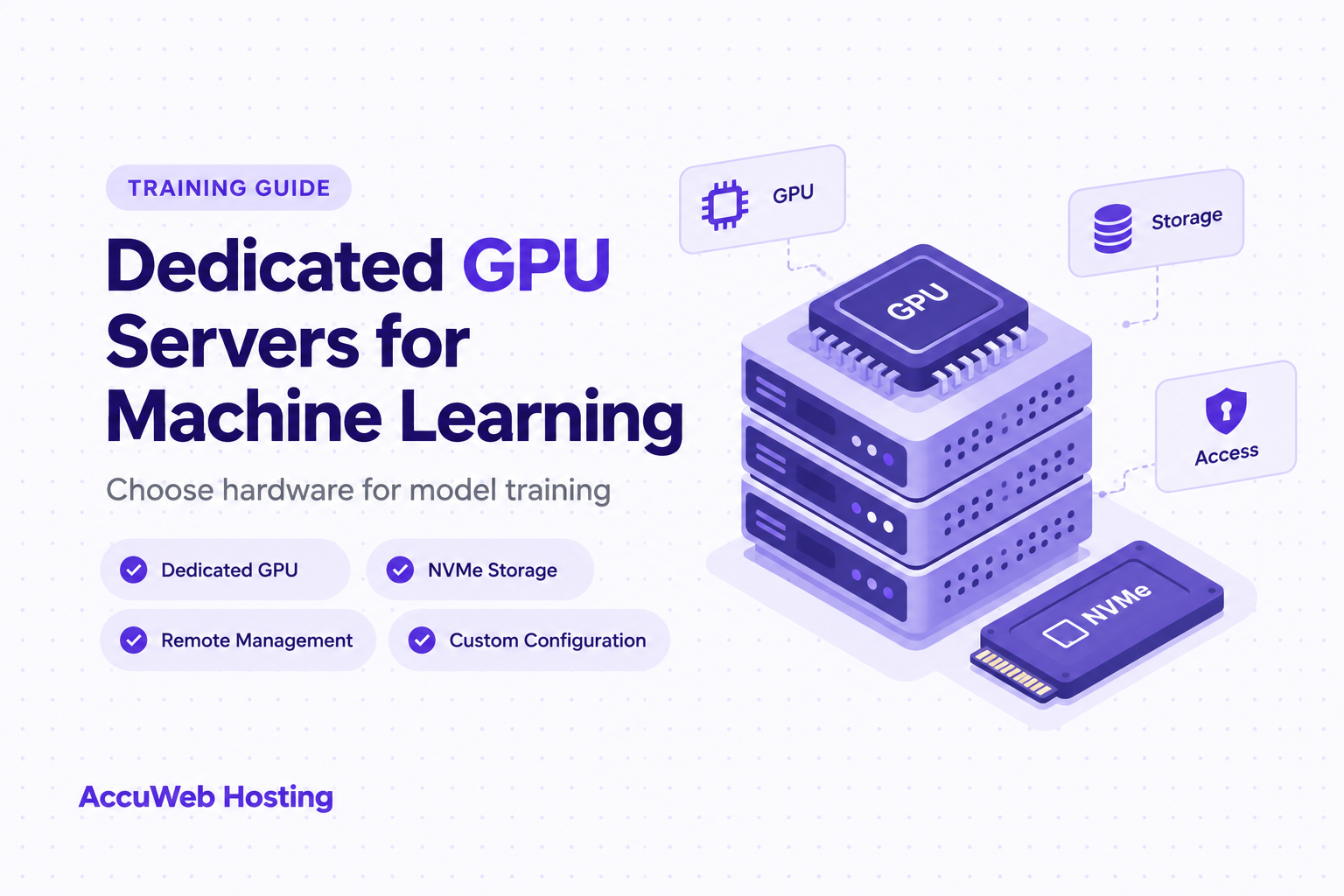
A GPU dedicated server for machine learning gives a training team dedicated hardware and control over its computing environment. AccuWeb Hosting offers configurable GPU dedicated servers with NVMe storage and remote management. Every configuration is priced by custom quote, so you request a quote built around your own requirements.
The right choice depends on more than the GPU name. Start with the model, dataset, and training schedule, then match the rest of the server to that workload.
Key Takeaways
- Start with a custom quote for a configurable GPU server.
- Match GPU memory to the training job, not just the model file.
- AccuWeb Hosting GPU servers include 100 TB of monthly bandwidth and NVMe storage.
- Remote access includes IPMI or KVM/IP and a serial console.
Explore Dedicated GPU Hardware
Review the GPU server options for a training environment built around your requirements.
Match the GPU to the Training Job
GPU selection starts with the work you need to run. A team fine-tuning a model has different requirements from one training a larger model from scratch.
Start With the Workload and Memory
Record the framework, model architecture, expected batch size, and precision before choosing hardware.
GPU memory holds more than model weights. Training also uses memory for activations, gradients, optimizer states, and temporary operations. A model that fits in GPU memory for inference does not necessarily fit during training.
Check Software and Test Throughput
For an NVIDIA GPU server for AI model training, compare the GPU model and its memory against the requirements of your framework and training code. Also consider whether your software supports the intended driver and GPU architecture. The NVIDIA GPU server guide offers further context for evaluating GPU hardware.
Throughput matters after the workload fits. Test representative batches, including data preparation and checkpoint writes. A short compute-only benchmark tells you less about the complete training pipeline than a test using your actual data and settings.
Decide on Multiple GPUs and Scheduling
Multiple GPUs introduce another question: how will the training job divide work and exchange data? Review the interconnect and your framework's distributed-training approach before assuming additional GPUs will improve throughput. A single well-matched GPU is easier to schedule and operate than a distributed workload.
Dedicated hardware gives the team a known machine on which to organize experiments, but researchers still need a queue or an agreed schedule. Define who can run long jobs, how jobs get priority, and when maintenance can interrupt training.
A research team with frequent experiments should measure the largest routine job first. Then check the smaller jobs that must run alongside it. This approach connects a hardware decision to the work the team actually performs.
Choose Hardware for Your Workload
Compare configurable GPU server options against your model and training schedule.
Keep Data Moving With NVMe Storage
A dedicated GPU server with NVMe storage supports the storage side of a training pipeline. AccuWeb Hosting GPU servers use NVMe storage, and customization includes storage and memory selections.
Size and Measure Storage
Capacity starts with the source dataset, but that is rarely the whole requirement. Account for processed data, temporary files, experiment outputs, checkpoints, logs, and the operating system. Decide how many checkpoints the team needs to retain and where older ones will go.
Storage performance matters when training reads many files or repeatedly loads large batches. If data loading cannot keep up, the GPU spends time waiting instead of processing. Measure the full pipeline to find whether the constraint is storage, CPU preprocessing, network transfer, or the training code itself.
Protect Checkpoints and Archives
Read and write patterns are different. Training often reads prepared data repeatedly, while checkpointing writes model state at intervals. A useful test covers both activities during a representative run. Watch the training rate as checkpoints are written, rather than testing storage in isolation.
Use the dedicated server NVMe guide to explore storage considerations, and describe the dataset size, file layout, expected growth, and checkpoint policy for your configuration.
Choose an archive destination separately from the working dataset. Keep a documented copy of the source data and the files needed to reproduce an experiment. A fast training disk is useful working space; it should not be the only place a team keeps important results.
Finally, check free space throughout a run. A job that writes checkpoints and logs for days needs room beyond its initial dataset. Set monitoring thresholds that leave time to clean up or move files before the disk fills.

Find Room for Training Data
Explore GPU configurations with NVMe storage for datasets and checkpoints.
Remote Control Beyond the Operating System
Full remote control means more than logging in after the operating system starts.
Know the Management Paths and Who Gets Access
AccuWeb Hosting GPU servers have IPMI or KVM/IP access and a serial console. These management paths help administrators work with the server when ordinary remote access is unavailable.
IPMI is an out-of-band management interface. KVM/IP gives remote access to keyboard, video, and mouse functions. A serial console gives administrators a text-based path to the machine. The management interface is distinct from the GPU training environment.
Decide which team members need each kind of access. Researchers who submit experiments do not all need administrative control. Keep management credentials separate from everyday user accounts and limit management access to authorized administrators.
Document Recovery and Choose the Operating System
Document the recovery sequence before the first production training run. The team should know who can use the management interface, where access details are stored, and how to record actions during an incident. Test access during a maintenance window rather than learning the process during an outage.
AccuWeb Hosting GPU server operating-system options include Windows Server 2019, Debian, Fedora, AlmaLinux, CentOS, and CloudLinux. Select an operating system that works with your team's framework, GPU driver, and administration practices.
Keep a record of the chosen driver, framework, environment dependencies, and training code. Reproducibility requires those details as well as the dataset and model settings. Agree on a change process so a driver update does not surprise researchers during a scheduled run.
For teams moving from shared instances, the responsibility shift deserves attention. Dedicated hardware gives administrators more control over the environment, so they also need clear ownership of access, updates, monitoring, and recovery. The support options page is a useful starting point for understanding available assistance.

Build Around Remote Access
Review GPU server management features alongside your administration requirements.
Choose a GPU Dedicated Server for Machine Learning
A configurable GPU dedicated server is useful when the team knows its workload but needs flexibility in the hardware. AccuWeb Hosting supports custom requirements and offers custom quotes for dedicated GPU configurations.
What the Configurable Offer Covers
| Offer | What to consider | Entry point |
| Configurable dedicated GPU server | GPU model, memory, NVMe storage, networking, and Intel Xeon or AMD EPYC processor | Custom quote |
Every AccuWeb Hosting dedicated GPU server includes 100 TB of monthly bandwidth and at least one IP address. Include anticipated dataset transfers, checkpoint exports, and access needs in your configuration requirements.
Organize Your Request
Use this decision guide to organize the request:
- Choose GPU memory around the largest representative training job.
- Choose system memory around data loading, preprocessing, and concurrent users.
- Choose NVMe capacity around working data, checkpoints, and expected growth.
- Choose the processor around preprocessing and other CPU work.
- Choose networking around data movement and the team's access pattern.
List required software and any operating-system preference. Include how the team schedules experiments, how long representative runs take, and whether jobs need multiple GPUs. These details help connect the configuration to the training pipeline.
Request a quote and compare the complete configuration, not the GPU alone. A useful evaluation accounts for the processor, memory, storage, network, and the administrative responsibilities needed to run the workload.
If your team also operates non-GPU workloads, the dedicated servers page offers a broader view of dedicated infrastructure. Keep the GPU workload's requirements separate when deciding what hardware belongs in its training environment.
Turn Hardware Into a Repeatable Training Environment
A bare metal GPU server for deep learning gives the team a physical environment to organize around its own workflow. Before researchers submit important jobs, establish the operational basics: accounts, software versions, data placement, monitoring, and recovery ownership.
Set Up Data and the Job Queue
Separate shared datasets from individual experiment outputs. Give researchers a consistent place to write logs and checkpoints. A naming convention for runs makes it easier to associate an output with its code version, dataset, and training settings.
A team can use its existing scheduling approach, but everyone should understand priority, time limits, and what happens when a job stops. This prevents an unattended experiment from blocking other work indefinitely.
Monitor the Entire Path
Monitor the entire path, not just GPU utilization. Track available GPU memory, system memory, disk space, data-loading behavior, and network transfers. Compare these observations with the training rate and the time spent writing checkpoints.
Common symptoms point toward different checks:
- Low GPU activity calls for a review of data loading and CPU preprocessing.
- Out-of-memory errors call for a review of batch size and training memory use.
- Slow checkpoint writes call for a review of storage activity and available space.
- Failed remote logins call for a review of network access and the management path.
Keep Recovery and Changes Under Control
Record where the team stores source data, code, environment details, and important checkpoints. Test that a researcher can restore an experiment from those records. A checkpoint is most useful when the team knows how to use it.
Schedule changes to the driver, operating system, and training dependencies. Test those changes with a representative workload before returning the machine to the normal queue. Document the result so other researchers know which environment produced their outputs.
Finally, review the configuration as workloads change. A new model or larger dataset changes the balance between GPU memory, system memory, CPU work, and storage. Compare new requirements with measured usage before changing the hardware.
Support Your Training Workflow
Explore dedicated GPU hardware for a repeatable research environment.
Frequently Asked Questions
How much GPU memory does model training need?
It depends on the model, batch size, precision, and training method. Account for weights, activations, gradients, optimizer states, and temporary operations. Test a representative run rather than sizing from the model file alone.
Is GPU memory the same as system memory?
No. GPU memory supports work on the accelerator, while system memory supports the operating system and CPU-side tasks. Data loading and preprocessing make system memory important even when training uses a GPU.
Why does NVMe storage matter for machine learning?
Storage feeds datasets to the training pipeline and holds checkpoints and outputs. NVMe is part of the AccuWeb Hosting GPU server configuration. Measure data loading and checkpoint writes to understand your workload's storage needs.
Does a dedicated GPU server help with fine-tuning?
It gives a team dedicated GPU hardware for a fine-tuning environment. Choose the GPU and memory based on the model and training method, then test the actual job with your software stack.
Should a training team choose multiple GPUs?
Choose multiple GPUs when the workload and software are designed to use them effectively. Consider data exchange, job scheduling, and operational complexity as well as aggregate GPU capacity.
How can administrators reach a server if normal login fails?
AccuWeb Hosting GPU servers have IPMI or KVM/IP access and a serial console. Document authorized access and recovery procedures before the team depends on the machine for scheduled training.
What bandwidth is included with AccuWeb Hosting GPU servers?
Every AccuWeb Hosting dedicated GPU server includes 100 TB of monthly bandwidth. Consider transfers of source data, checkpoints, and results when assessing networking needs.
How should a team protect training progress?
Save checkpoints at intervals that fit the job, keep copies of important data and outputs, and record the environment. Test the restore process before an interruption occurs.
Make the Workload the Starting Point
The best GPU dedicated server for machine learning is the one matched to your training pipeline. Use representative jobs to assess GPU memory, data movement, storage, and administration.
Document the results, agree on recovery procedures, and use those requirements to select a configuration.
Find Your Dedicated GPU Environment
Explore AccuWeb Hosting GPU servers and their custom configuration options.
About the Author: Jason-Pat
Founder & CTO at AccuWebHosting.com. He shares his web hosting insights at AccuWebHosting blog. He mostly writes on the latest web hosting trends, WordPress, storage technologies, Windows and Linux hosting platforms.