OpenClaw Hosting for Telegram and Discord Agents
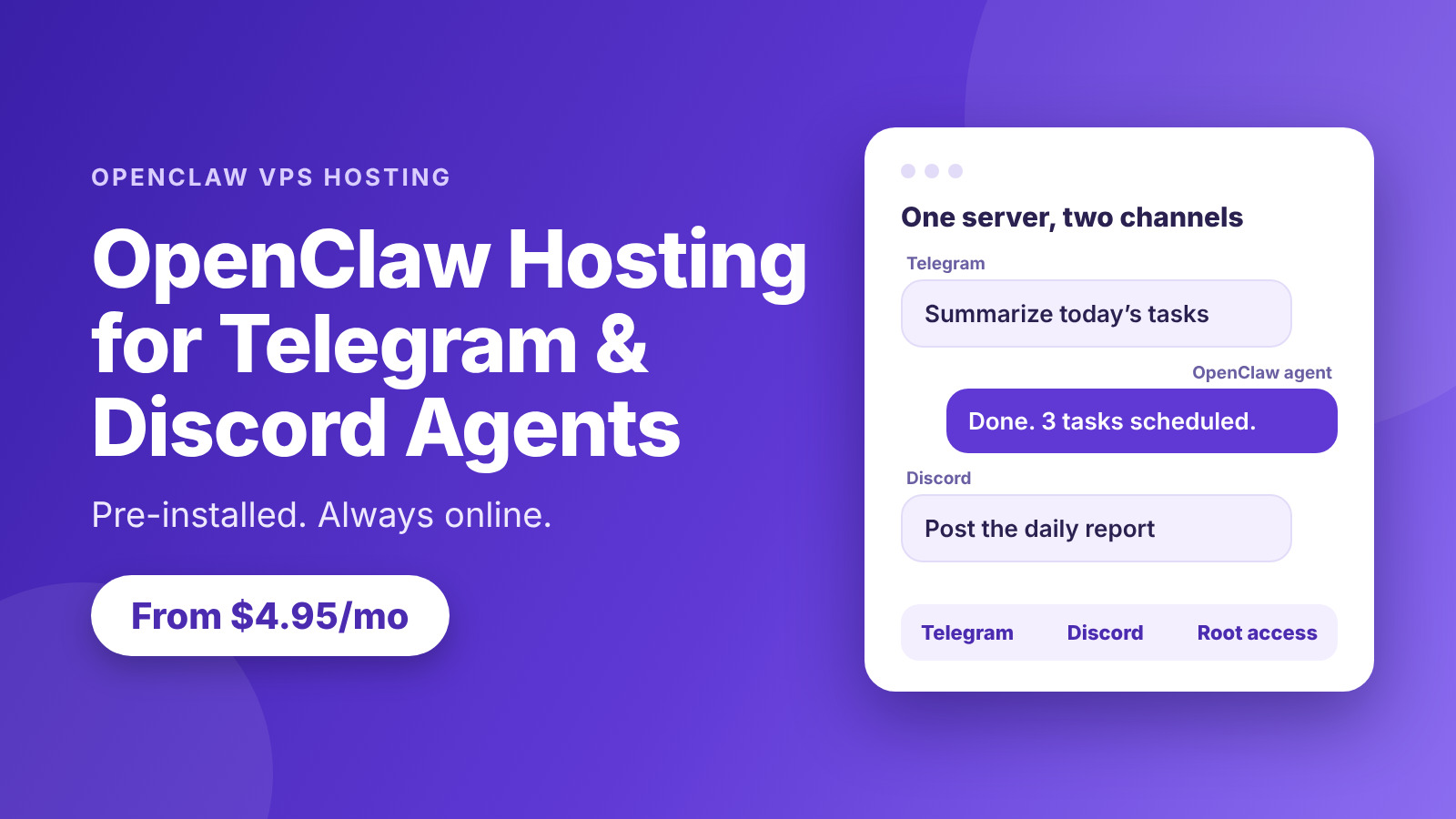
An AI agent is most useful when it is always on, always reachable and sitting in the apps your team already uses. OpenClaw hosting for Telegram and Discord agents gives you exactly that: a server that stays online around the clock, so your agent can answer a message in a Telegram chat or post a report in a Discord channel at any hour. AccuWeb Hosting’s OpenClaw VPS hosting starts at $4.95 per month on a 24-month term, with OpenClaw pre-installed and configured for you.
Both platforms reach a very large audience. Telegram has passed 1 billion monthly active users, according to founder Pavel Durov in March 2025, and Discord reported more than 200 million monthly active users in its August 2025 announcement. Put an agent where those people already talk, and it becomes part of daily work instead of one more tool to open.
This guide explains how an OpenClaw agent works on Telegram and Discord, which plan to pick, how to set up your first bot, and how the pricing compares with other 4 GB servers. By the end, you will know how to get an agent online in minutes.
Key takeaways
- Pre-installed and ready. OpenClaw comes installed and configured, so you can focus on your agent instead of the setup.
- Plans from $4.95 per month. Edge, Peak, Power and Supreme run from 4 GB to 32 GB of RAM on a 24-month term.
- Telegram and Discord ready. Connect each platform with a bot token, and add WhatsApp, Slack or Signal when you need them.
- Your data stays private. Your agent runs on your own server, with root SSH access and a dedicated IP address.
- Easy to try. Start with the 7-day trial and a 7-day money-back guarantee.
Put Your Agent Online Today
Launch a pre-installed OpenClaw server from $4.95 per month and connect your first bot.
Why Run OpenClaw Agents on Your Own Server
OpenClaw is a self-hosted AI agent platform. Instead of using a hosted chat window, you run the agent on a server you control and connect it to the messaging apps you choose. The agent can answer questions, run scheduled tasks, summarize conversations and trigger workflows, all from a chat message.
A messaging agent has one important requirement: it has to be online whenever someone writes to it. A laptop that sleeps or a home connection that drops will leave questions unanswered. A VPS solves this, because the server runs continuously in a data center with a stable network connection.
What a Dedicated OpenClaw Server Gives You
-
- Always-on availability: your agent replies at any hour, backed by a 99.9% uptime guarantee.
-
- Private by design: your conversations, keys and files stay on your own server.
-
- Full control: root SSH access, a firewall and a dedicated IP address let you manage the server your way.
-
- Built on KVM: your resources are set aside for you, so your agent keeps a steady pace as traffic grows.
-
- Reliable storage and network: RAID 6 or RAID 10 storage and a 1 Gbps port, with DDoS protection of up to 5 Gbps.
Because OpenClaw is pre-installed and configured, you skip the long installation and start at the interesting part: connecting channels and giving your agent its first job. If you want to run local models alongside it, see our guide to an LLM VPS hosting setup.
Telegram and Discord: Two Channels, One Agent
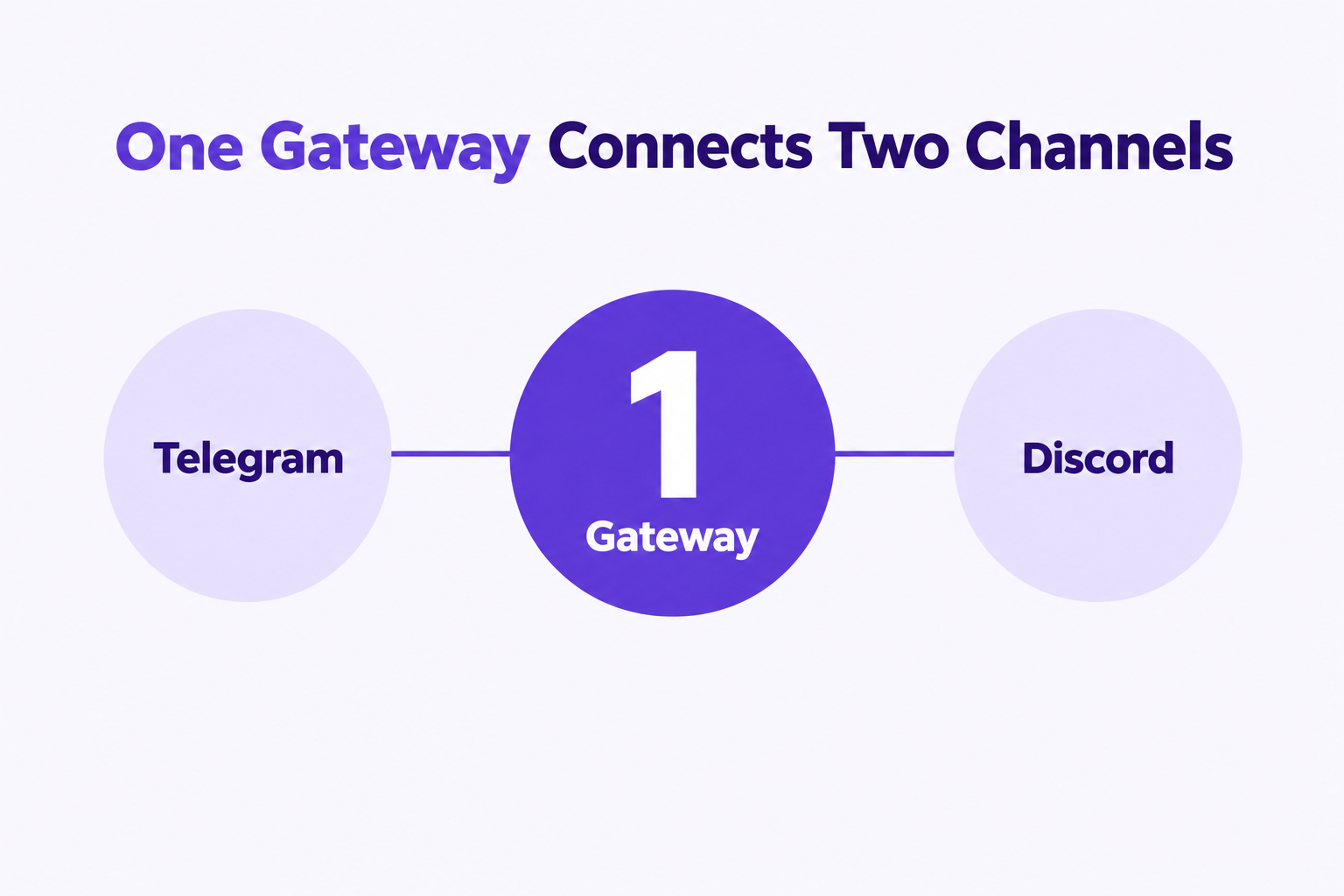
Telegram and Discord suit different kinds of work, and OpenClaw lets one server serve both. Many teams use Telegram for quick personal or customer-facing conversations and Discord for community and team channels.
| Use case | Telegram | Discord |
|---|---|---|
| Best for | Direct chats, alerts and personal assistants | Communities, team servers and shared channels |
| Audience | Over 1 billion monthly active users | Over 200 million monthly active users |
| Bot setup | Create a bot with BotFather and copy the token | Create an application in the Developer Portal and copy the bot token |
| Typical tasks | Daily summaries, reminders and quick answers | Daily reports, support answers and moderation help |
| Where it runs | Your OpenClaw VPS | Your OpenClaw VPS |
Audience figures: Telegram, as stated by Pavel Durov in March 2025; Discord, from its August 2025 announcement.
OpenClaw also supports other channels, including WhatsApp, Slack and Signal, and more than 50 integrations, which use your own API credentials. That means the same server can grow with your needs, from one bot to a full set of connected tools.
Telegram Agent Ideas
-
- A personal assistant that summarizes your tasks each morning.
-
- A reminder bot that sends alerts for deadlines and meetings.
-
- A customer-facing helper that answers common questions in a chat.
Discord Agent Ideas
-
- A daily report bot that posts updates to a team channel.
-
- A community helper that answers common questions about your product or server.
-
- A workflow bot that turns a channel message into a task or a ticket.
Both kinds of agent need steady uptime and enough memory to keep conversations flowing, which is why the plan you choose matters. The next section helps you pick.
OpenClaw VPS Plans for Telegram and Discord Agents
Each plan comes with OpenClaw pre-installed, root SSH access and a dedicated IP address. Start with the size your agent needs today and upgrade as you add channels and workflows.
| Plan | Best for | RAM | vCPU | Storage | Price per month |
|---|---|---|---|---|---|
| OpenClaw Edge | One or two bots and first agents | 4 GB | 1 | 50 GB | $4.95 |
| OpenClaw Peak (Most Popular) | Several channels and busier agents | 8 GB | 2 | 100 GB | $6.95 |
| OpenClaw Power | Team agents and heavier workflows | 16 GB | 3 | 200 GB | $9.95 |
| OpenClaw Supreme | Many agents, integrations and local models | 32 GB | 4 | 400 GB | $19.95 |
Prices in USD per month on a 24-month term. Every plan includes OpenClaw pre-installed, root SSH access, a dedicated IP address and a 7-day money-back guarantee.
Over a 24-month term, Edge totals $118.80, Peak totals $166.80, Power totals $238.80 and Supreme totals $478.80. The price stays predictable, so you can plan your budget for the whole project.
Which Plan Should You Choose?
-
- Edge is the right place to start. With 4 GB of RAM for $4.95 per month, it comfortably runs a first Telegram or Discord agent.
-
- Peak doubles the memory to 8 GB for $6.95 per month and suits an agent that serves several channels at once.
-
- Power gives 16 GB of RAM and 3 vCPU for $9.95 per month, which suits team agents and heavier workflows.
-
- Supreme offers 32 GB of RAM and 4 vCPU for $19.95 per month, a strong base for many agents, many integrations or local models served with Ollama VPS hosting.
You can move up to a larger plan whenever your agent grows, so there is no need to guess your final size on day one.
Try OpenClaw for 7 Days
Start with the 7-day trial and see your agent reply in Telegram and Discord.
How to Set Up a Telegram and Discord Agent
Setting up the two channels follows a similar path. You create a bot on each platform, copy its token, and add the token to your OpenClaw server. Because OpenClaw is already installed, the work is mostly about the platforms themselves.
Set Up Your Telegram Bot
-
- Open Telegram and start a chat with BotFather, Telegram’s official bot for creating bots.
- Send the command to create a new bot, then choose a name and a username.
- Copy the bot token that BotFather gives you and keep it private.
- Connect to your server over SSH and add the token to your OpenClaw Telegram channel settings.
- Send your bot a message and confirm that the agent replies.
Set Up Your Discord Bot
-
- Open the Discord Developer Portal and create a new application.
- Add a bot to the application and copy its token. Keep it private.
- Generate an invite link with the permissions your bot needs, then add the bot to your server.
- Add the bot token to your OpenClaw Discord channel settings on your VPS.
- Write in a channel where the bot has access and confirm the reply.
Treat both tokens like passwords. Store them only on your server, and replace them from the platform’s settings if you ever need a fresh one.
Choose a Location Close to Your Users
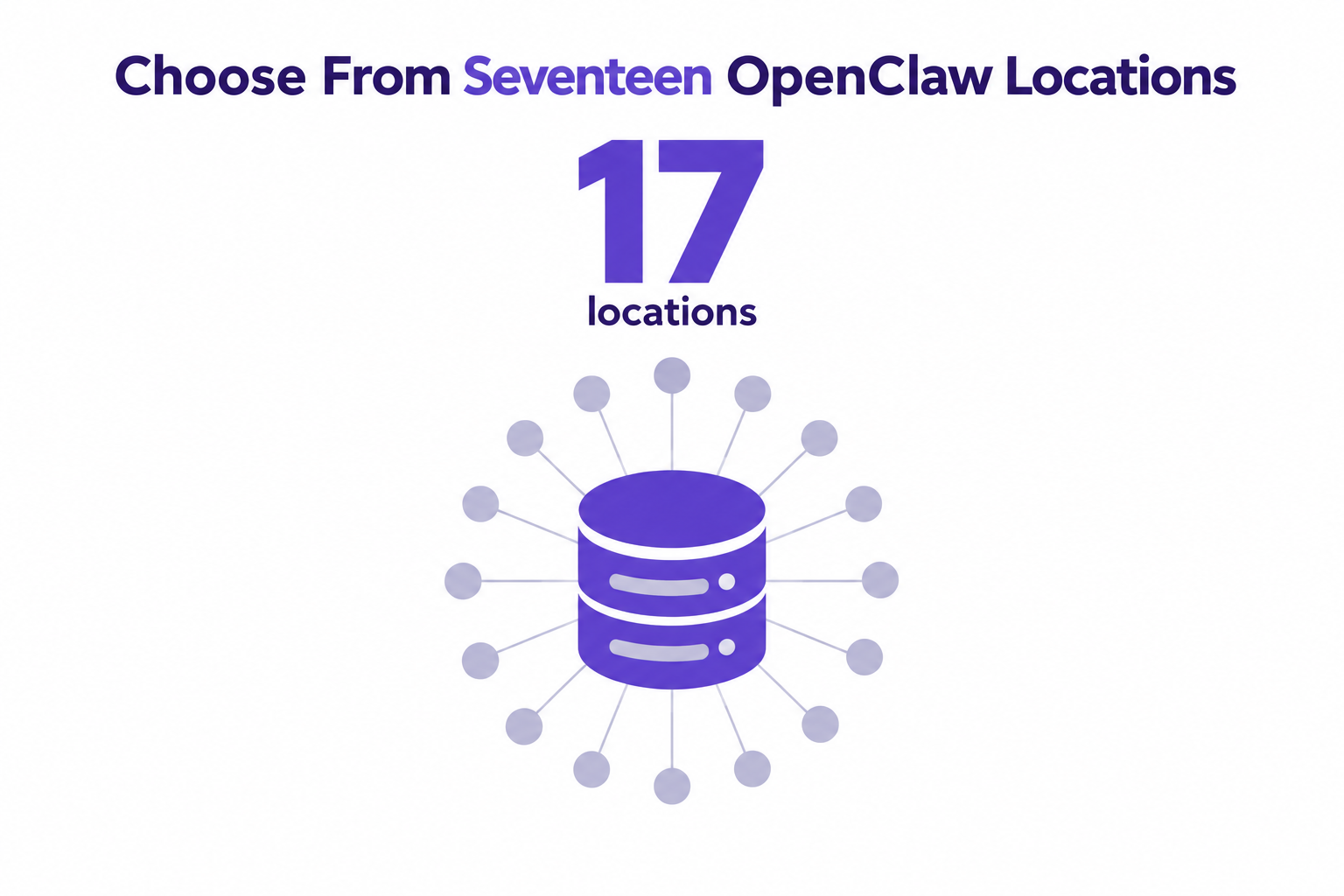
A response feels faster when your server sits near the people using it. AccuWeb Hosting offers VPS hosting in 17 locations, and you can see the full list on our data center locations page. Pick the one closest to your team or customers so every message gets a quick reply.
OpenClaw Hosting Price Comparison: AccuWeb vs Hostinger, Vultr and DigitalOcean
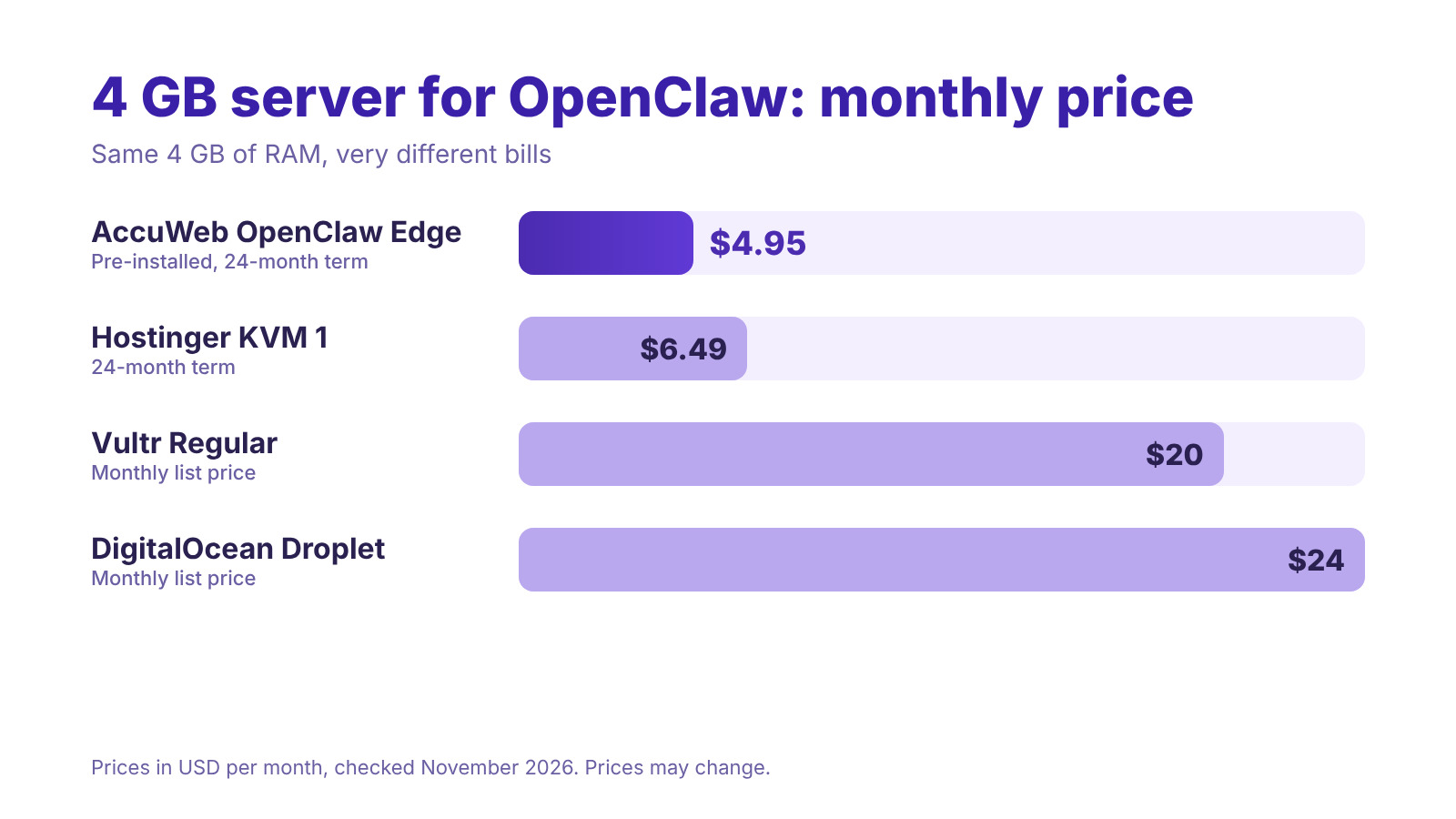
A messaging agent usually needs a small, steady server, and 4 GB of RAM is a practical starting size. The table below compares our OpenClaw Edge plan with 4 GB plans from three other providers.
| Provider | Plan | RAM | Monthly price | 24-month cost |
|---|---|---|---|---|
| AccuWeb Hosting | OpenClaw Edge (pre-installed) | 4 GB | $4.95 | $118.80 |
| Hostinger | KVM 1 | 4 GB | $6.49 | $155.76 |
| Vultr | Regular Cloud Compute | 4 GB | $20.00 | $480.00 |
| DigitalOcean | Basic Droplet | 4 GB | $24.00 | $576.00 |
Prices in USD, compared at the same RAM size. AccuWeb Hosting and Hostinger are on a 24-month term; Vultr and DigitalOcean are shown at their monthly list prices. Provider prices checked in November 2026 and may change.
OpenClaw Edge costs $4.95 per month. That is 24% less than Hostinger’s KVM 1, 75% less than Vultr and 79% less than DigitalOcean at the same 4 GB of RAM. Over 24 months, the savings come to $36.96 against Hostinger, $361.20 against Vultr and $457.20 against DigitalOcean.
The price also includes OpenClaw already installed and configured, a dedicated IP address, root SSH access and a firewall. That leaves more of your budget for the things your agent actually needs, such as API credits for the AI models you connect.
Get More Server for Less
Start OpenClaw Edge at $4.95 per month and keep more of your budget for your agents.
Keep Your Telegram and Discord Agents Secure
An agent that reads messages and runs tasks deserves a well-protected home. Running on your own server gives you several layers you control directly.
-
- Private data: conversations and files stay on your server instead of a shared platform.
-
- Firewall and dedicated IP: decide which ports are open and who can connect.
-
- SSH access: manage the server over an encrypted connection with your own keys.
-
- DDoS protection: network protection of up to 5 Gbps helps keep your agent reachable.
-
- Backups: backups are available, so you can protect your configuration and data. See our VPS backup options for details.
It also helps to keep API keys and bot tokens out of shared chats, use separate tokens for testing and production, and restrict which channels and users your agent responds to.
Get Help When You Want It
If you would like a hand with your setup, our team is available through our support options. If you already run a bot elsewhere, free migration services can help you move it to your new server.
Practical Ways to Use Your Agents Every Day
Once your agent is online, the best results come from giving it small, repeatable jobs. Here are a few ideas that work well on both platforms.
-
- Morning briefing: ask your agent to summarize tasks, messages and reminders at the start of the day.
-
- Team reports: post a daily or weekly report to a Discord channel on a schedule.
-
- Quick answers: let your agent respond to common questions so your team can focus on deeper work.
-
- Task capture: turn a chat message into a task or a note with a single command.
-
- Integrations: connect your tools through the 50+ available integrations, using your own API credentials.
Start with one job, watch how it performs for a few days, and then add the next. A small plan like Edge is enough for this approach, and you can upgrade the moment you add more channels. If you plan to run your agent in containers, our Docker VPS hosting setup is another good fit.
Conclusion
OpenClaw hosting for Telegram and Discord agents gives your assistant a reliable home, so it can answer where your team and customers already are. With OpenClaw pre-installed, you can move from signing up to a working bot in a short time.
-
- Pricing: $4.95, $6.95, $9.95 and $19.95 per month on a 24-month term.
-
- Ready to go: OpenClaw is pre-installed and configured.
-
- Control: root SSH access, a firewall and a dedicated IP address.
-
- Reliability: KVM virtualization, RAID storage and a 99.9% uptime guarantee.
-
- Confidence: a 7-day trial and a 7-day money-back guarantee.
Pick the plan that fits your first agent, connect your Telegram and Discord bots, and put your assistant to work. You can also explore our full range of VPS hosting plans if your projects grow beyond OpenClaw.
Launch Your OpenClaw Agent
Choose your plan and get your Telegram and Discord agents online today.
Frequently Asked Questions
What is OpenClaw hosting?
OpenClaw hosting is a VPS with OpenClaw pre-installed and configured, so you can run your own AI agent on a server you control and connect it to messaging apps.
How much does OpenClaw hosting cost?
Plans start at $4.95 per month for OpenClaw Edge on a 24-month term. Peak is $6.95, Power is $9.95 and Supreme is $19.95 per month.
Can I run Telegram and Discord agents on the same server?
Yes. One OpenClaw server can connect to both platforms, and you add each one with its own bot token.
Do I need to install OpenClaw myself?
No. OpenClaw comes pre-installed and configured, so you can start by connecting your channels.
Which plan should I start with?
OpenClaw Edge, with 4 GB of RAM, is a good starting point for a first agent. You can upgrade to Peak, Power or Supreme as you add channels and workflows.
Is AccuWeb Hosting cheaper than DigitalOcean, Vultr or Hostinger?
At 4 GB of RAM, OpenClaw Edge costs $4.95 per month, compared with $24 for DigitalOcean, $20 for Vultr and $6.49 for Hostinger’s KVM 1, based on prices checked in November 2026.
Which other channels does OpenClaw support?
Besides Telegram and Discord, OpenClaw supports channels such as WhatsApp, Slack and Signal, along with more than 50 integrations that use your own API credentials.
Do I get root access?
Yes. Every plan includes root SSH access, a firewall and a dedicated IP address.
Is there a trial or money-back guarantee?
Yes. You can start with a 7-day trial, and every plan includes a 7-day money-back guarantee.
About the Author: Jason-Pat
Founder & CTO at AccuWebHosting.com. He shares his web hosting insights at AccuWebHosting blog. He mostly writes on the latest web hosting trends, WordPress, storage technologies, Windows and Linux hosting platforms.