WooCommerce Hosting With Free Store Migration Compared
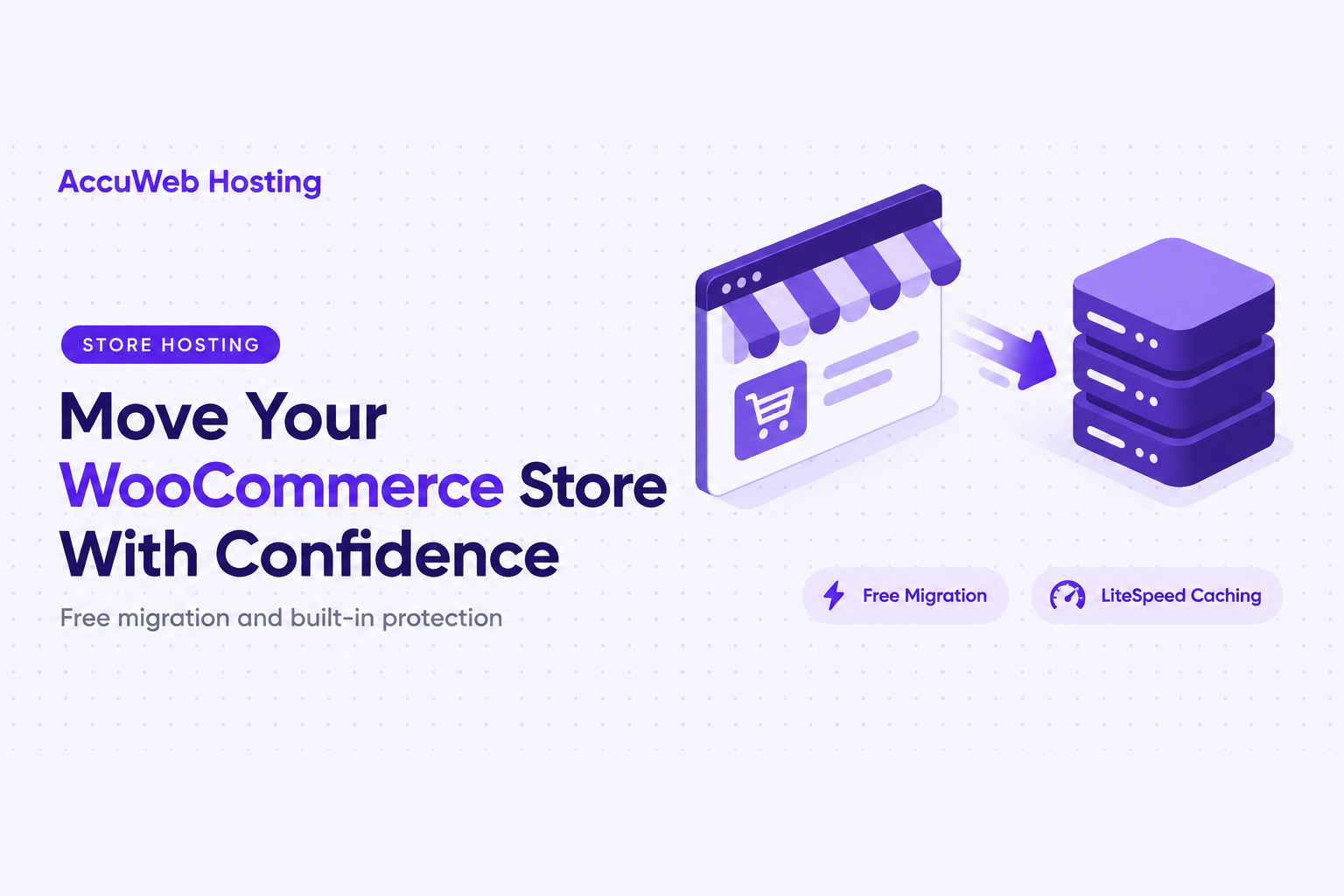
WooCommerce hosting with free store migration lets you move an existing shop to a new home without handling the transfer yourself. With AccuWeb Hosting’s WooCommerce hosting plans, starting at $4.99 per month, the move is free, and your new account comes with WooCommerce pre-installed, LiteSpeed caching, Imunify360 malware protection, daily backups and free SSL.
Whether you run one shop or several, the right plan comes down to three simple numbers: how many websites you need, how much storage your catalog uses, and how many visitors you expect each month. This guide walks through all three plans, shows how the pricing compares with other managed hosts, and gives you a short checklist for a smooth launch on your new server.
Key takeaways
- Plans from $4.99 per month. Essential ++ is $4.99, Professional ++ is $6.99 and Ultimate ++ is $8.99 per month.
- Free store migration on all 3 plans. Bring your existing WooCommerce shop across at no extra cost.
- Room to grow. Choose 5 websites and 50 GB SSD on Essential ++, or unlimited websites with up to 100 GB SSD on Ultimate ++.
- Protection included. Every plan has daily backups, LiteSpeed with LSCache, Imunify360 and free SSL.
- 30-day money-back guarantee. Test your store on the new server before you commit.
Move Your Store for Free
Choose a WooCommerce plan and let the migration team move your shop to a faster home.
WooCommerce Hosting With Free Store Migration: Plans and Pricing
Choose among three plans based on website count, storage and expected traffic. Each one includes free WooCommerce migration, WooCommerce pre-installed on your account and around-the-clock expert support, so you can start selling as soon as your store is moved.
| Plan | Websites | SSD storage | Monthly visits | RAM and vCPU | Bandwidth | Price per month |
|---|---|---|---|---|---|---|
| WooCommerce Essential ++ | 5 websites | 50 GB | Up to 100,000 | 2 GB RAM, 1 vCPU | 1 TB | $4.99 |
| WooCommerce Professional ++ | Unlimited | 75 GB | Up to 250,000 | 3 GB RAM, 2 vCPU | 2 TB | $6.99 |
| WooCommerce Ultimate ++ | Unlimited | 100 GB | Up to 500,000 | 4 GB RAM, 2 vCPU | 3 TB | $8.99 |
Prices in USD per month. All three plans include free store migration, daily backups, cPanel, LiteSpeed with LSCache, free SSL and a 30-day money-back guarantee.
Essential ++ is a complete starting point for a shop that also has room for four more websites. Professional ++ adds unlimited websites, more storage and a second vCPU for busier catalogs. Ultimate ++ gives you the largest storage, memory and traffic allowance in the lineup for stores that are growing quickly.
Which Plan Fits Your Store?
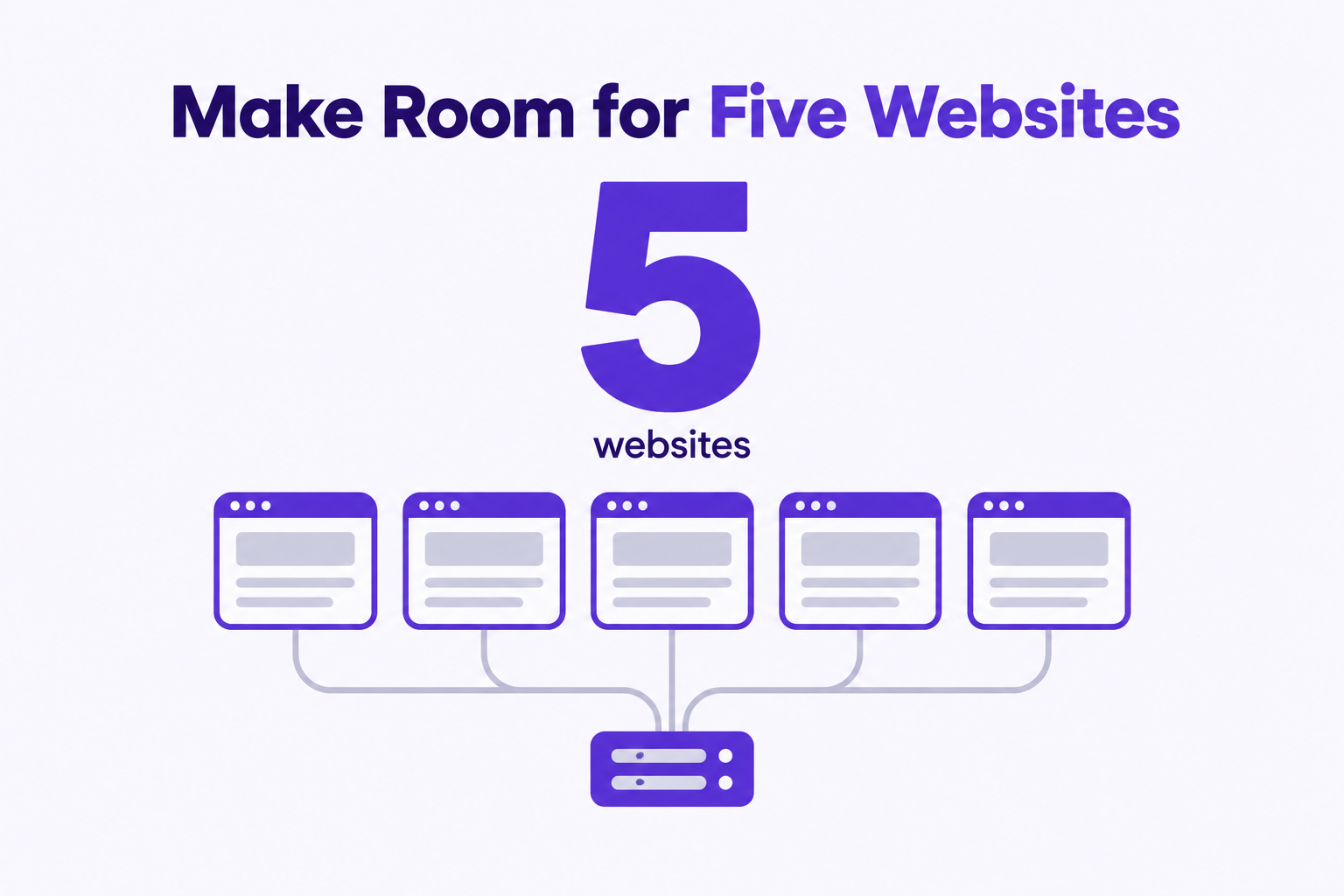
- Essential ++ suits a new store, a small catalog or a freelancer who manages a handful of client sites. You get 5 websites, 50 GB SSD storage and up to 100,000 monthly visits for $4.99 per month.
- Professional ++ suits multiple stores or a growing catalog. Unlimited websites, 75 GB SSD storage, 3 GB RAM and 2 vCPU support up to 250,000 monthly visits for $6.99 per month.
- Ultimate ++ suits high-traffic shops and agencies. With 100 GB SSD storage, 4 GB RAM and up to 500,000 monthly visits, it is the roomiest plan at $8.99 per month.
Why RAM and vCPU Matter for a Store
RAM is working memory, while a vCPU is a share of processing capacity. A WooCommerce store uses both at once: it runs plugins, serves shoppers and processes orders at the same time. Looking at RAM and vCPU alongside the visitor allowance helps you choose a plan that stays comfortable during a busy sale, not only on a quiet day.
If you want a side-by-side view of every feature, the WooCommerce plan comparison lists the three plans together.
How Free WooCommerce Store Migration Works
Moving a store usually means exporting a database, copying product images and rebuilding settings by hand. With a free migration, you hand that work to the migration team. AccuWeb Hosting’s free website migration service is available with the WooCommerce plans, and the WordPress migration service covers WordPress sites in the same way.
The result is a simple path from your old host to your new account: choose a plan, request the move, and review your store once it is running. Because the migration is free, the price you see for each plan is the price of getting started.
What Matters Most in a Store Move
A WooCommerce store is more than a set of pages. It includes product images, order history, customer accounts and the plugins that run payments, shipping and email. These are the pieces a store owner cares about most, and having the team handle the transfer means you do not need to move each one by hand.
A Quick Launch Checklist
Once your store is on its new account, a short review helps you open for customers with confidence:
- Browse a few product pages and confirm images and prices look right.
- Add a product to the cart and check the cart total.
- Place a test order to confirm checkout and your payment gateway work as expected.
- Check the order confirmation email and the order in your admin area.
- Confirm your store opens securely over HTTPS.
- Take a look at your shipping zones and tax settings.
Most owners finish this review in a short session, and the 30-day money-back guarantee gives you time to run through your own workflow at your own pace.
Speed and Protection Built Into Every Plan
A store lives on speed and trust. Shoppers expect pages to load quickly, and they expect their details to be safe at checkout. Every WooCommerce plan includes the tools that support both.
LiteSpeed Caching for Product and Cart Pages
Every AccuWeb Hosting WooCommerce plan combines LiteSpeed with the LSCache plugin. Caching stores reusable page content so the server does not need to rebuild it for every request, which helps your product and category pages respond quickly. LiteSpeed is also well suited to dynamic WooCommerce pages such as the cart, checkout and order confirmation, so shoppers keep a smooth experience from the first click to the last.
Malware Protection and Daily Backups
Imunify360 adds a firewall, malware scanning and DDoS mitigation to the platform. The firewall filters traffic, malware scanning looks for malicious software, and DDoS mitigation helps protect your store against traffic floods.
Daily backups keep a fresh copy of your store data, including products, orders and customer details, and cPanel gives you one familiar place to manage files, databases and email. Together they give you a safety net that works in the background while you focus on selling.
Free SSL for Secure Checkout
Every plan includes free SSL, so your store can serve pages over HTTPS from the start. SSL encrypts the connection between a visitor’s browser and your site, which supports customer trust and payment gateway requirements at checkout.
If you ever want a hand with your setup, the team is available around the clock. Explore the expert support options to see how to reach them.
WooCommerce Hosting Price Comparison: AccuWeb vs Kinsta, Nexcess and WP Engine
Managed WordPress hosting is a popular choice for stores that want expert-run servers, and it is a useful benchmark for pricing. The table below places AccuWeb Hosting’s Essential ++ plan next to the entry plans from three well-known managed hosts, so you can see how the monthly cost and the number of websites compare.
| Provider | Websites | Storage | Monthly price | Price per website |
|---|---|---|---|---|
| AccuWeb Hosting (Essential ++) | 5 | 50 GB SSD | $4.99 | About $1.00 |
| Nexcess | 1 | 15 GB | $19.00 | $19.00 |
| WP Engine | 1 | 10 GB | $30.00 | $30.00 |
| Kinsta | 1 | 10 GB | $35.00 | $35.00 |
Prices in USD per month, comparing AccuWeb Hosting Essential ++ with each provider’s entry plan at monthly list prices, before promotional offers. Provider prices checked in November 2026 and may change.
Essential ++ costs $4.99 per month, which is 74% less than the Nexcess entry plan, 83% less than WP Engine and 86% less than Kinsta. It also covers five websites, so each site works out to about $1.00 per month.
What Five Stores Would Cost
- AccuWeb Hosting Essential ++: $4.99 per month for all 5 websites.
- Five Nexcess entry plans: $95 per month at list price.
- Five WP Engine entry plans: $150 per month at list price.
- Five Kinsta entry plans: $175 per month at list price.
For a freelancer, an agency or a founder with more than one store, that difference adds up quickly. The money you save on hosting can go into product photography, advertising or new inventory instead.
You can see the full range of options on the WooCommerce hosting pricing overview, including Professional ++ at $6.99 per month and Ultimate ++ at $8.99 per month.
See the Savings for Yourself
Start with Essential ++ at $4.99 per month and move your store for free.
Choose Resources for a Growing Store
Your first plan does not have to be your last. The three plans are built so that you can start small and move up as your catalog and traffic grow.
Start With Essential ++
Choose Essential ++ when you need up to 5 websites and 50 GB of SSD storage. It includes 2 GB of RAM, 1 vCPU, 1 TB of bandwidth and room for up to 100,000 monthly visits, which is a strong foundation for a new or growing shop.
Step Up to Professional ++
Choose Professional ++ when you want unlimited websites, 75 GB of storage and a higher traffic allowance of up to 250,000 monthly visits. It includes 3 GB of RAM and 2 vCPU, compared with 2 GB and 1 vCPU on Essential ++, along with 2 TB of bandwidth.
Scale With Ultimate ++
Choose Ultimate ++ when you want the largest allocation: 100 GB of storage, 4 GB of RAM, 3 TB of bandwidth and up to 500,000 monthly visits. It is a good fit for catalogs with many product images, active plugins and busy sale periods.
Visit allowances help frame a choice, and store activity adds useful detail. A catalog with many images, several plugins and plenty of simultaneous orders benefits from generous memory and storage as well as a high visit limit, so review all three when you compare.
If you manage content sites alongside your shop, you can also explore WordPress hosting plans. To understand how the underlying service works, read what is WordPress hosting.
Try Your Store With a 30-Day Guarantee
Every WooCommerce plan includes a 30-day money-back guarantee. That window gives you time to move your store, edit products, place test orders and see how the new account performs with your real workflow.
Use the month to run through the tasks you do every day. Add a product, update a price, process an order and watch how pages load. By the end of the month, you will know how the plan fits your store, and you will have a store that is already live on its new home.
Give Your Store a Faster Home
Compare the plans side by side and pick the one that fits your catalog.
Conclusion
WooCommerce hosting with free store migration gives you a simple route from your current host to a platform built for online stores. You choose the plan, the team moves your shop, and your new account is ready with caching, protection, backups and support.
- Pricing: $4.99, $6.99 and $8.99 per month across the three plans.
- Migration: free store migration on Essential ++, Professional ++ and Ultimate ++.
- Resources: 50 GB to 100 GB of SSD storage, up to 3 TB of bandwidth and up to 500,000 monthly visits.
- Included tools: daily backups, LiteSpeed with LSCache, Imunify360, cPanel and free SSL.
- Peace of mind: around-the-clock expert support and a 30-day money-back guarantee.
Pick the plan that matches your catalog and traffic, bring your store across and start selling on a home built for WooCommerce.
Choose Your Next Store Home
Pick a WooCommerce plan, request your free migration and start selling.
Frequently Asked Questions
Will AccuWeb Hosting move my WooCommerce store for me?
Yes. All three WooCommerce plans include free store migration, so the transfer is handled for you.
How much does WooCommerce hosting cost?
Plans start at $4.99 per month for Essential ++, with Professional ++ at $6.99 per month and Ultimate ++ at $8.99 per month.
How many websites fit on Essential ++?
Essential ++ supports up to 5 websites and includes 50 GB of SSD storage, 2 GB of RAM and 1 vCPU.
Which plan is best for a high-traffic store?
Ultimate ++ has the largest allocation, with 100 GB of SSD storage, 4 GB of RAM, 2 vCPU, 3 TB of bandwidth and up to 500,000 monthly visits.
Is WooCommerce already installed?
Yes. WooCommerce comes pre-installed, so your store is ready for products and payments.
Is LiteSpeed caching included?
Yes. Each WooCommerce plan includes LiteSpeed and the LSCache plugin.
Are backups included?
Yes. Every plan includes daily backups, along with cPanel for managing your account.
Is there a money-back guarantee?
Yes. Every WooCommerce plan includes a 30-day money-back guarantee.
What should I test before I open for customers?
Browse product pages, add an item to the cart, place a test order and check the confirmation email and your admin order view.
About the Author: Jason-Pat
Founder & CTO at AccuWebHosting.com. He shares his web hosting insights at AccuWebHosting blog. He mostly writes on the latest web hosting trends, WordPress, storage technologies, Windows and Linux hosting platforms.