Web Host for WordPress: Shared vs Managed vs VPS
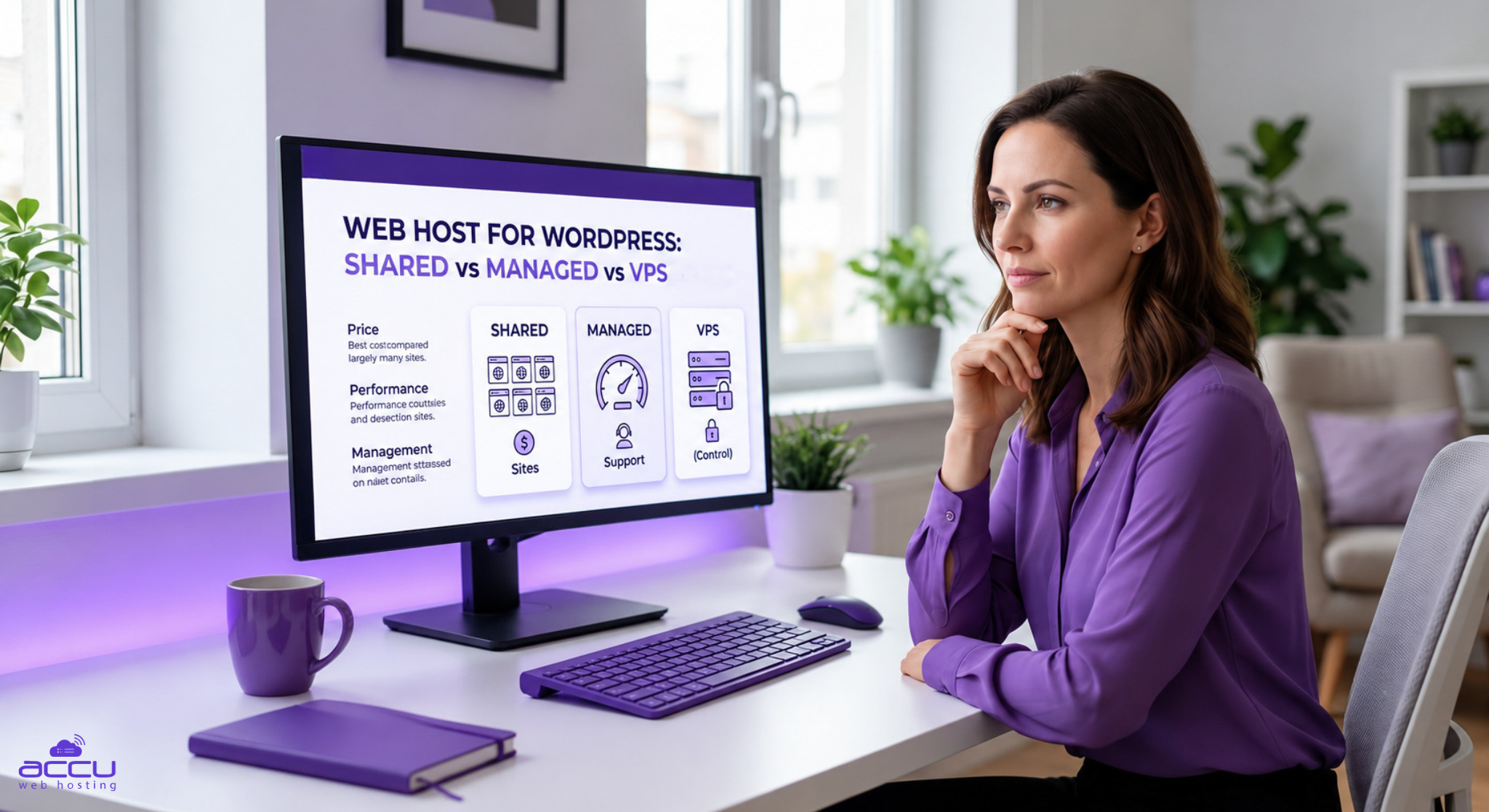
Choosing a web host for WordPress comes down to two questions. How much server does your site need, and how much of the upkeep do you want to handle yourself? The answers point to one of three options: shared hosting, managed cloud hosting or a VPS.
Here is the short answer. A small site belongs on shared hosting, which costs the least. One important site you'd rather not babysit belongs on managed cloud. Several sites, or any need for root access, belongs on a VPS. The table below matches each site type to an AccuWeb Hosting plan, and the rest of this guide shows you why.
| If your site is... | Choose | Starts at | Next step |
| A blog, portfolio or small business site | WordPress Hosting (shared) | $1.99/mo on a 36-month term | See WordPress Hosting plans |
| One important site where you want the host to do more | WordPress Cloud | $6.99/mo | See WordPress Cloud plans |
| Several sites, or you need root access | WordPress VPS | $28.99/mo on a 24-month term | See WordPress VPS plans |
| Client sites you manage for others | Agency hosting | $11.99/mo | See agency plans |
What makes a web host good for WordPress?
WordPress needs only PHP and a database, so almost any server can run it. What separates hosts is everything around that. Five things matter most: speed, security, backups, support scope and room to grow. A little data here explains why.
Speed affects revenue
WordPress is used by over 40% of all websites, so visitors compare your site against fast ones every day. A study Deloitte ran for Google looked at 37 brands. It found a 0.1-second improvement in mobile speed was associated with 8.4% higher conversions and 9.2% higher average order value on retail sites. Those are retail results and yours will differ, but the direction is clear.
Good speed isn't automatic
Google's targets are main content in 2.5 seconds, a response to taps within 200 milliseconds, and layout shift of 0.1 or less. Only 48% of mobile websites met all three in 2025, and the pass rate for WordPress sites on mobile was 45%. Server-level caching and a fast first response give you a head start.
Security is mostly a plugin problem
Patchstack counted 11,334 new WordPress vulnerabilities in 2025, up 42% on 2024. Plugins accounted for 91% of them, and 46% had no developer fix when they were made public. The weighted median time to mass exploitation for heavily exploited flaws was five hours. That's why regular backups matter: if an update or an attack breaks your site, you want a recent copy to restore.
Support scope varies
Ask what support covers. What will happen if something breaks, will the support team available when your website goes down for some reason? Is live chat and call support available or you just have to create a ticket and wait in line for your turn?
Room to grow saves you a move later
Pick a type that fits today and leaves space for tomorrow. Our plans run from a single-site shared account up to VPS servers with dedicated resources.
Shared WordPress hosting: the low-cost way to launch
On shared hosting, many sites use the same server. That's what keeps the price low. AccuWeb's WordPress Hosting plans are shared plans that come with the server tools already set up: LiteSpeed with LSCache, cPanel, Imunify360 and DDoS protection. Unlike other hosting service, we provide guaranteed resources, and we never oversell. So even with our shared hosting plans, you can expect better performance than other cheap hosting providers.
What you get. Four plans, all with daily backups, free SSL and a 30-day money-back guarantee:
- Basic++ is $1.99/mo on a 36-month term. It covers 1 website with 25 GB SSD, 1 GB RAM and 1 vCPU.
- Startup++ is $2.99/mo. It covers 5 websites with 50 GB SSD and 2 GB RAM.
- Professional++ is $3.99/mo. Suitable for unlimited websites, 75 GB SSD, 3 GB RAM and 2 vCPU, and adds a CDN and Premium SSL.
- Advanced++ is $6.99/mo. Host unlimited websites with 100 GB SSD and 4 GB RAM, and get a dedicated IP.
If you pay annually or for a longer term, the first year of a domain is free. You can host in eight locations, including Denver, Dallas, London, Frankfurt, Mumbai, Singapore, Sydney and Johannesburg.
Who it suits
Bloggers, freelancers, local businesses and anyone launching a first site. It's the cheapest way to get LiteSpeed caching, daily backups and cPanel in one place.
Test it with the 30-day money-back guarantee.
Managed WordPress Hosting: What "Managed" Means, and Where Cloud Fits
"Managed" describes how much work the host does for you: running the server, handling security tools, taking backups and tuning performance. It's a level of service, not a server type. Our shared WordPress Hosting is managed at the server level. Its resources are still shared with other sites.
WordPress Cloud goes further. It is built for one site at a time, with more resources set aside for it and more tools built in. The entry plan, WP First, is available at only $6.99/mo and renews at $9.99/mo. It includes:
- 25 GB of NVMe storage,
- 2 vCPU threads and 2 PHP workers,
- AccuPanel, our control panel for WordPress,
- SSH access,
- one-click staging, so you can test changes before they go live,
- daily backups,
- 24/7 priority support.
You also get auto-scaling. Higher tiers are also available for larger sites: WP Second is available at $34.99/mo, WP Third at $100.79/mo and WP Fourth at $489.99/mo. Each Cloud plan covers one website, so it fits a single site that matters to your business better than a pile of small ones.
Who it suits
A lead-generation site, a busy blog or a business site where slow pages cost you money, and where you'd like staging and SSH without running a server.
What to know first
You pay more per site than on shared hosting, and one plan covers one website. If you're running a store, look at our WooCommerce hosting page as well.
and see which tier fits your traffic.
WordPress VPS hosting: control and room to grow
A VPS gives your site a dedicated share of CPU, RAM and disk space instead of a pool shared with other sites. You also get root access, which lets you change server settings and install your own software. That freedom comes with responsibility: what you install and change is up to you.
Our WordPress VPS plans are:
- WP Speedster at $28.99/mo. It has 4 GB RAM, 2 vCPU, 50 GB storage and 750 GB bandwidth, with unlimited websites limited by your resources. It includes Webuzo.
- WP Power at $88.99/mo, with 8 GB RAM, 2 vCPU and 100 GB storage.
- WP Turbo with 16 GB RAM, 3 vCPU, 150 GB storage and cPanel/WHM.
You get weekly backups, and you can host in New York, Denver or Hyderabad. Free migration is also available.
Who it suits
Owners of several WordPress sites who want dedicated resources, developers who need root access, and sites that have outgrown shared limits.
And get dedicated resources and full control.
Shared vs Cloud vs VPS: side-by-side
| Shared: WordPress Hosting (Basic++) | Managed: WordPress Cloud (WP First) | VPS: WordPress VPS (WP Speedster) | |
|---|---|---|---|
| Price | $1.99/mo | $6.99/mo | $28.99/mo |
| Websites | 1 (Startup++ covers 5; higher tiers - unlimited) | 1 per plan | Unlimited |
| Resources | 25 GB SSD, 1 GB RAM, 1 vCPU | 25 GB NVMe, 2 vCPU threads, 2 PHP workers | Dedicated: 4 GB RAM, 2 vCPU, 50 GB storage, 750 GB bandwidth |
| Control panel | cPanel | AccuPanel | Webuzo |
| Root access | No | No | Yes |
| Backups | Daily | Daily | Weekly |
| Money-back guarantee | 30 days | 30 days | 7 days, license costs excluded |
| Best for | Blogs and small business sites | One high-traffic site | Several sites, custom setups |
Which one should you buy?
Match your site to the closest description, then start there.
- A personal blog, portfolio or brochure site. Choose shared. Basic++ covers one site, and Startup++ covers five if you're running a few small ones.
- A small business site that brings in leads. Start on shared with Professional++ if you want a CDN and Premium SSL, or look at Cloud if you want staging and more resources reserved for the site.
- A single site where speed protects revenue. Choose WordPress Cloud. You get NVMe storage, SSH and one-click staging for one site.
- An online store. See our WooCommerce hosting page. Stores need steady performance at checkout.
- Several sites and a developer on the team. Choose a WordPress VPS. You get dedicated resources and root access.
- Client work. Choose agency hosting. Bronze starts at $11.99/mo for 5 cPanel accounts, and the range runs up to 100.
If you're between two options, start with the cheaper one that meets your needs. Moving up later costs less than paying for capacity you don't use.
Buy with low risk
A good decision is one you can test. Here is how to lower the risk of switching:
- Use the guarantee. WordPress Hosting and WordPress Cloud carry a 30-day money-back guarantee. The VPS guarantee is 7 days, so test early.
- Get your site moved for free. We offer free WordPress migration, so you don't have to move files yourself.
- Measure before and after. Run your site through our free site speed checker and the Google page experience checker before the move, then again after. Compare the numbers.
- Read the renewal price. Multiply the renewal rate by the time you plan to stay. Then compare providers on that number, not the intro price.
Frequently asked questions
What is the best web host for WordPress?
It depends on your site. Shared hosting suits small sites and costs the least. Managed cloud suits one important site where you want the host to do more. A VPS suits several sites or anyone who needs root access. The guide above matches each to an AccuWeb plan.
What's the difference between shared, managed and VPS hosting for WordPress?
Shared hosting puts many sites on one server. Managed hosting is a level of service in which the host handles more routine work such as backups, security and tuning. A VPS gives your site dedicated resources and root access. Managed is about who does the work. Shared and VPS are about how the server is divided.
Is managed WordPress hosting worth it?
It's worth it if you'd rather pay the host to handle upkeep than do it yourself, and if slow or broken pages cost you money. If you're comfortable managing WordPress and your site is small, shared hosting is usually enough.
Do I need a VPS for WordPress?
Most WordPress sites don't. A VPS makes sense if you need root access, run several sites or have outgrown shared limits. Otherwise shared or Cloud is simpler and cheaper.
Will support fix my theme or plugin problems?
On WordPress Hosting, our FAQ states that support for themes, plugins and website tools isn't included. We help with the hosting side, such as the server, account, email, backups and migration. Check the support scope for the plan you choose.
Can I move my existing WordPress site to AccuWeb?
Yes. We offer free WordPress migration. The migration page explains how it works.
Is there a money-back guarantee?
WordPress Hosting and WordPress Cloud carry a 30-day guarantee. WordPress VPS carries a 7-day guarantee, and license costs are excluded.
The bottom line
The right web host for WordPress is the one that fits your site today and leaves room to grow. Start with shared if your site is small. Choose managed cloud when one site matters enough to give it more. Choose a VPS when you need dedicated resources or root access.
Ready to pick? Every option below carries a money-back guarantee, and free migration is available.
- WordPress Hosting from $1.99/mo for blogs and small business sites.
- WordPress Cloud from $6.99/mo for one site where speed and staging matter.
- WordPress VPS from $28.99/mo for dedicated resources and root access.
About the Author: Jason-Pat
Founder & CTO at AccuWebHosting.com. He shares his web hosting insights at AccuWebHosting blog. He mostly writes on the latest web hosting trends, WordPress, storage technologies, Windows and Linux hosting platforms.