How to Migrate Vanilla Forums to NodeBB on Your Own VPS
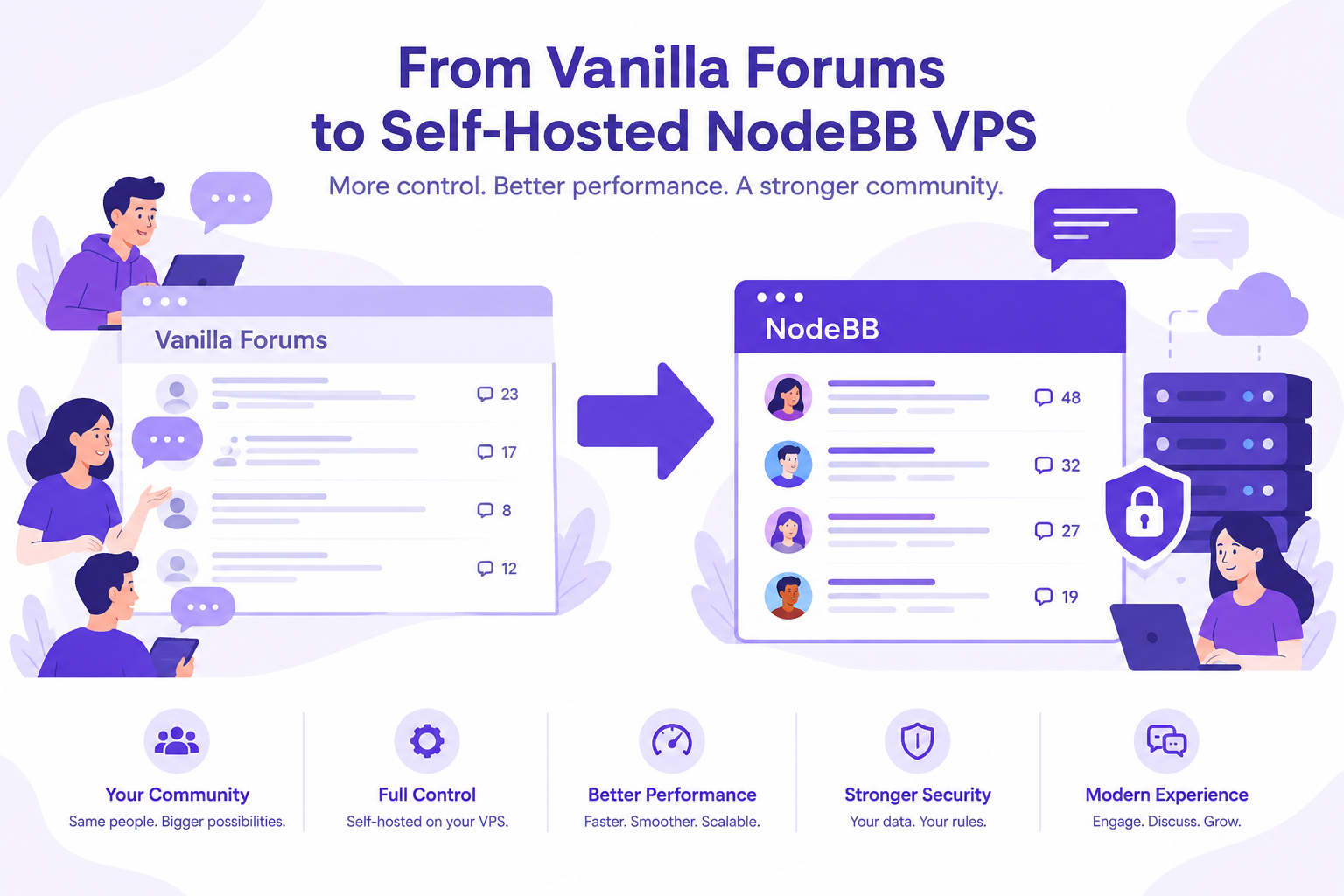
To migrate Vanilla Forums to NodeBB, export your community data, test a compatible import route, and validate the results before launch. Plan for account resets, missing permissions, attachments, and redirects rather than treating the move as a simple database copy.
AccuWeb Hosting's managed NodeBB VPS hosting starts at $4.99 per month and includes root access, a 7-day money-back guarantee, and free weekly backups. Use it to build both your test server and your production forum.
Key Takeaways
- Export the database and uploaded files before building the migration.
- The community Vanilla exporter was tested on Vanilla 2.1.8p2, and its importer supports NodeBB 1.12.1 only, so test in isolation.
- Plan password resets and rebuild roles and permissions.
- AccuWeb Hosting NodeBB VPS starts at $4.99 per month with 4 GB of RAM and 30 GB of SSD storage.
- Every plan has root access and a 7-day money-back guarantee.
Map Your Community Before Moving
Start with an inventory of what members use and what moderators need. List categories, discussions, comments, accounts, private messages, uploaded files, and existing URLs. Record access rules for public, private, and staff-only areas.
Separate essential records from features you can rebuild. For example, a discussion without its attachments can lose useful context. A private category without its original permissions can expose sensitive content.
Choose an owner for each check: technical migration, moderation, account recovery, and member communication. This division makes problems easier to resolve during the test and final cutover.
Measure the size of your database and file archive before choosing server resources. Allow working space for the source export, destination database, temporary migration files, and a separate backup.
Export Vanilla Forums Data for NodeBB
Higher Logic Vanilla's standard community export is a MySQL dump. It includes discussions, comments, user profiles with hashed passwords, and private messages. Treat the dump as sensitive personal data.
Uploaded files such as avatars and attachments arrive separately. Ask Vanilla support for a full off-boarding export if you need both the database and the files, and arrange a separate archive for any other material your team needs to retain.
For a self-managed Vanilla installation, create a consistent database backup and copy the upload directory. Document the source version, database encoding, file paths, and the date of the export. Preserve an untouched original and work from a copy.
Store exports in restricted locations. Encrypt transfers and remove temporary copies after your retention period ends. Check your privacy obligations before moving private messages or account data.
Prepare Your Migration Environment
Explore AccuWeb Hosting NodeBB VPS hosting for a managed server with root access.
Choose a VPS for NodeBB
A VPS gives your team a dedicated environment for the application, database, migration tools, and server configuration. Select resources around the size of your community and the work required during import, not just normal daily traffic. A common recommendation for NodeBB is at least 2 GB of RAM and 20 GB of SSD storage.
| Resource | AccuWeb Hosting NodeBB VPS, starting plan |
| Starting price per month | $4.99 |
| Memory | 4 GB RAM |
| Processor | 1 vCPU |
| Storage | 30 GB SSD |
| Bandwidth | 250 GB per month |
| Hosted websites and page views | Unlimited |
| Access | Root, FTP, and SSH |
| Support | Fully managed |
Every plan includes free and premium SSL options and a 7-day VPS money-back guarantee. Larger configurations are available as VPS Peak, VPS Power, and VPS Supreme. See the NodeBB VPS plans to compare their resources.
The NodeBB VPS runs in 16 locations, including Denver, N. Virginia, London, Frankfurt, Hyderabad, Singapore, Sydney, Tokyo, and Johannesburg. Choose the location closest to your members.
Understand the Import Route
The community-made NodeBB import plugin for Vanilla Forums uses a Vanilla exporter with the NodeBB import framework. The exporter documents users, categories, topics, posts, attachments, and messages as importable, with conditions and limitations.
Two products share the Vanilla name. The exporter reads the database of open-source Vanilla, and its documentation names Vanilla 2.1.8p2 as the tested version. Higher Logic's cloud Vanilla exports a MySQL dump with a newer structure, so confirm that the exporter reads your dump before you plan around it.
The import framework supports NodeBB 1.12.1 only and documents upgrading after the import. The exporter's latest release, version 1.0.4, is about 9 years old, according to its npm page. Treat both tools as one-time utilities and test every step with a copy of your data.
Do not assume that a current NodeBB release can run this legacy import directly. Build an isolated test environment, rehearse each upgrade step, and check the Node.js version each NodeBB release requires. Keep obsolete software away from public traffic.

Roles, permissions, tags, and watched topics appear among the exporter's known omissions. Document how you will recreate each item, or choose another migration approach if an omission is unacceptable.
Build a Controlled Test Server
Use AccuWeb Hosting NodeBB VPS hosting as the foundation for your migration environment.
Plan Account Access and Permissions
Do not promise members that their existing passwords will work. The Vanilla exporter documents uncertain password-hash compatibility and says its importer generates random passwords. Prepare a password-reset process before inviting anyone to sign in.
Test password reset emails with accounts on different mail services. Check delivery, expiration behavior, and the support process for members who no longer control their registered email addresses.
Rebuild groups and category permissions on NodeBB. Test as an anonymous visitor, a regular member, a moderator, and an administrator. Private content should remain inaccessible until the correct rules are in place.

Also review profiles, disabled accounts, moderation records, and private messages. If your organization uses single sign-on, test its identity mapping separately. Never assume an imported email address alone proves ownership of an account.
Set Up and Test the Migration
Use a staging copy first. Record commands, versions, file locations, and decisions as you work so another administrator can repeat the process during cutover.
- Secure the export. Store the database dump and upload archive in a restricted location.
- Prepare the VPS. Configure administrative access, updates, firewall rules, and a private staging address.
- Select a database. Choose MongoDB or Redis, the databases AccuWeb Hosting managed support covers. NodeBB also supports PostgreSQL.
- Build the import environment. Install the documented legacy components only in an isolated test environment.
- Run a test import. Follow the importer and exporter instructions using copies of your source data.
- Test the upgrade. Rehearse the path from the imported legacy installation to your target NodeBB release.
- Inspect the result. Review accounts, categories, discussions, attachments, and access rules.
- Document the cutover. Record the tested process, rollback point, and responsibilities.
If the legacy route fails, stop and assess a custom migration or specialist assistance. A user-only import is not a substitute for moving the discussion archive. Contact AccuWeb Hosting support to discuss your migration needs.

Run Your Test Import on a Managed Server
Start a staging environment on AccuWeb Hosting NodeBB VPS hosting before you touch production.
Validate Content and Backups
Compare category and account inventories against the source. Sample old and recent discussions, long posts, formatting, embedded media, attachments, and private messages. Ask moderators to review representative content in their own areas.
Check for broken file paths and missing uploads. Test non-English text and special characters, especially if the source uses an older database encoding. Log each issue and its resolution before repeating the import.
AccuWeb Hosting includes free weekly snapshots for full-VPS restoration in Denver and Hyderabad, stored on a separate backup network. Read the VPS backup information to see how snapshot restores work.
Protect Your Migration Work
Review AccuWeb Hosting VPS backup options while planning your recovery process.
How AccuWeb Hosting Compares With NodeBB's Hosted Plans
Self-hosting on a VPS gives your team control over the server and application environment. NodeBB's own hosted plans use a different operating model. The table compares the AccuWeb Hosting starting plan with the NodeBB Starter plan.
| Item | AccuWeb Hosting NodeBB VPS | NodeBB Starter |
| Starting price per month | $4.99 | $20.00 |
| Storage | 30 GB SSD | 5 GB |
| Page views | Unlimited | 50,000 |
| Storage per dollar | 6.01 GB (30 GB divided by $4.99) | 0.25 GB (5 GB divided by $20) |
| Backups | Weekly + Daily Add-On | Weekly |
| SSL | Free and premium options | Included |
| Money-back guarantee | 7 days | Not shown |
| Root access | Yes | Not shown |
NodeBB's higher monthly plans scale as follows. Storage per dollar divides each plan's storage by its monthly price.
| Plan | Price per month | Storage | Storage per dollar |
| AccuWeb Hosting NodeBB VPS | $4.99 | 30 GB | 6.01 GB |
| NodeBB Starter | $20 | 5 GB | 0.25 GB |
| NodeBB Hamlet | $100 | 20 GB | 0.20 GB |
| NodeBB Village | $250 | 100 GB | 0.40 GB |
| NodeBB City | $750 | 300 GB | 0.40 GB |
The services differ. AccuWeb Hosting NodeBB VPS is a managed server where you run NodeBB with full access, while NodeBB's plans are hosted forums with page-view allowances. Compare responsibility, storage, support, backups, and migration needs before you decide.
Prepare the Final Cutover
Tell members when posting will pause and what will happen to their accounts. Explain password resets, expected downtime, and where they can get help. Give moderators a separate checklist for checking restricted areas.
Set the old forum to read-only before the final export. Otherwise, new posts can arrive after the migration snapshot and disappear from the destination. Run the tested import and validation process against the final data.
Map old discussion and category URLs to relevant NodeBB destinations where practical. Test redirects, search visibility, canonical URLs, and links from important community pages. Protect the new forum with HTTPS and review SSL certificates if you need a specific certificate type.
Keep the source environment and a verified backup available for rollback. Define who can authorize a rollback and what happens to posts created on NodeBB after launch. Announce the new forum only after permissions and account recovery pass their checks.
Use the Migration Checklist
Before opening the new community, review this list with the people responsible for technical work, moderation, and member support.
- Keep an untouched database export and a separate upload archive.
- Record source versions and the tested import and upgrade path.
- Check representative users, categories, topics, posts, and attachments.
- Rebuild and test private category permissions.
- Test password resets and account recovery.
- Verify redirects and important internal links.
- Restore a backup in a test environment.
- Document the read-only window and rollback decision.
- Prepare announcements and moderator instructions.
Frequently Asked Questions
Can I move a Vanilla community to self-hosted NodeBB?
Yes. Export the data and files, select an import method, and test the result on your own server. The exact process depends on your Vanilla version and community features.
Does the Vanilla export include uploaded files?
The standard database export does not include the full file archive. Higher Logic Vanilla can include uploads in a full off-boarding export.
Is there a NodeBB import plugin for Vanilla Forums?
A community-made Vanilla exporter works with the NodeBB import framework. Its documented compatibility targets older software, so test the full import and upgrade path in isolation.
Will member passwords transfer?
Do not rely on password transfer. The exporter documents uncertain hash compatibility and says its importer generates random passwords. Prepare a secure reset process.
Will categories and permissions move together?
The exporter documents category imports, but lists permissions and roles among its omissions. Recreate and test access rules before opening the new forum.
Can a CSV import move all discussions?
No. NodeBB's official CSV plugin imports users only, and needs an email plus a username or first name. It does not replace a discussion migration.
Which databases does NodeBB support?
NodeBB supports Redis, MongoDB, and PostgreSQL. AccuWeb Hosting managed support covers MongoDB and Redis, so choose one of those for a managed NodeBB VPS.
How much does NodeBB VPS hosting cost?
AccuWeb Hosting NodeBB VPS starts at $4.99 per month and includes a 7-day money-back guarantee.
How do I preserve search traffic?
Map old URLs to corresponding new pages where practical, test redirects, and check important internal links. Preserve useful discussion content and monitor indexing after launch.
Can AccuWeb Hosting help with my migration?
AccuWeb Hosting manages the NodeBB VPS, including server setup and NodeBB installation. Contact the support team to discuss your migration needs, or review Discourse hosting if you are comparing forum platforms.
Plan Your Vanilla to NodeBB Move
To migrate Vanilla Forums to NodeBB successfully, treat the project as a content, identity, and access migration. Preserve the original export, test the legacy import route, rebuild permissions, and rehearse recovery before switching traffic. You can also review Linux VPS hosting for other server needs.
Once your team has validated the result, launch with a clear member communication plan and monitor the community closely.
Start Your NodeBB Hosting Plan
Explore AccuWeb Hosting NodeBB VPS hosting from $4.99 per month, with a 7-day money-back guarantee.
About the Author: Jason-Pat
Founder & CTO at AccuWebHosting.com. He shares his web hosting insights at AccuWebHosting blog. He mostly writes on the latest web hosting trends, WordPress, storage technologies, Windows and Linux hosting platforms.